

TL;DR:
- Wearable dog health monitors track vital signs and activity to identify early health changes.
- Proper device fit, baseline setup, and trend analysis are essential for accurate readings.
- Data alerts should be interpreted in context and shared with vets for proactive care.
Your dog seemed fine at breakfast. By afternoon, something feels off. You can’t pinpoint it, but experienced handlers know that feeling well. The trouble is, dogs hide discomfort until symptoms become impossible to ignore, and by then, a small issue can become a serious one. Modern wearable health monitors now track heart rate, respiratory rate, body temperature, and behavioral patterns around the clock, sending alerts the moment something deviates from your dog’s personal baseline. This guide walks you through everything: choosing the right device, setting it up correctly, reading the data, and avoiding the mistakes that lead to bad readings or missed warnings.
Table of Contents
- What you need to start monitoring your dog’s health
- Step-by-step: Setting up and calibrating your monitoring device
- How to read alerts and interpret data for early warning signs
- Troubleshooting and maximizing monitoring accuracy
- Our perspective: What most guides miss about dog health monitoring
- Ready to give your dog an edge? Explore more resources
- Frequently asked questions
Key Takeaways
| Point | Details |
|---|---|
| Start with the right collar | Choose a validated wearable with sensors for heart rate, respiration, and activity suited to your dog’s needs. |
| Baseline is essential | Log a 7-10 day baseline to personalize alerts and avoid misinterpreting normal variations. |
| Monitor trends, not moments | Act on ongoing changes—not single data points—for smarter, safer decisions. |
| Pair tech with clinical care | Wearables give early warning but always consult your vet for diagnosis and treatment. |
What you need to start monitoring your dog’s health
Before you order a device or download an app, there are a few things to get in order. Think of this as the prep work that makes everything else more reliable and meaningful.
First, the technology itself. Primary dog health monitoring solutions are wearable collars like PetPace, Invoxia Biotracker, FitBark, Whistle, and Fi, using accelerometers, acoustic sensors, and thermometers for continuous tracking. Each brand approaches the data differently, but they share one core goal: catching health changes before you can see them with your own eyes.
Second, gather your dog’s medical profile. You will need:
- Age and breed (different breeds have different normal ranges for heart rate and activity)
- Current weight (collar fit and metabolic baselines depend on this)
- Known health conditions (arthritis, heart murmur, epilepsy, etc.)
- Medications and supplements (some affect heart rate and behavior baselines)
- Vaccination and vet visit history (useful for vet-sharing later)
Most devices need 7 to 10 days to build an individualized health baseline for your dog. During that window, the platform learns what normal looks like for your dog specifically, not just the average dog of that size.
Here is a quick comparison of the leading options to help you decide:
| Device | Key sensors | Accuracy highlight | Monthly cost |
|---|---|---|---|
| PetPace | HR, RR, temp, activity, posture | Clinical-grade vitals | ~$15 |
| Invoxia Biotracker | HR, RR, activity | 99.6% HR accuracy | ~$12 |
| FitBark 2 | Activity, sleep | Behavior-focused | ~$0 (no sub) |
| Whistle Go Explore | Activity, GPS, scratching | Good for active dogs | ~$10 |
| Fi Series 3 | GPS, activity | Best for tracking location | ~$11 |
For owners of service dogs or seniors who need health-specific monitoring, PetPace and Invoxia offer the most clinical depth. For general activity tracking, FitBark and Whistle are solid, lower-cost options. You can find additional wellness tips for service dog handlers that pair well with wearable data.
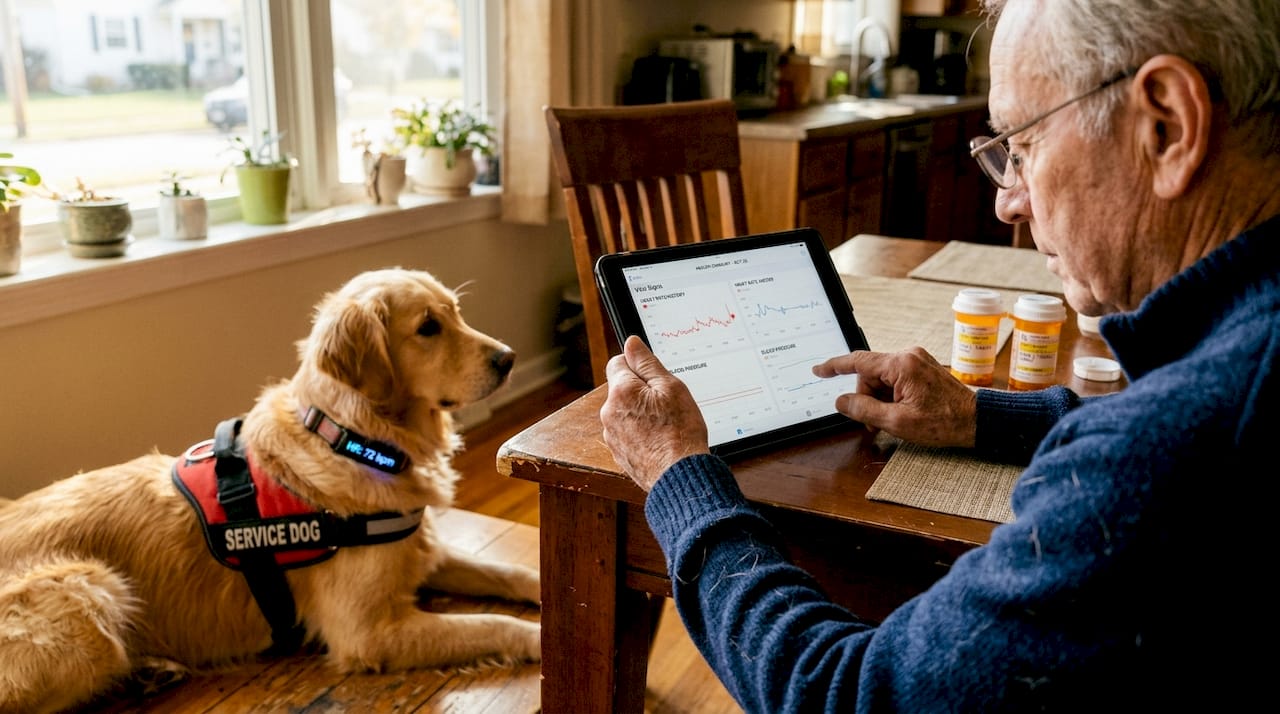
If your dog wears another device at night, like an LED safety collar for night walking, make sure both devices fit comfortably without crowding the neck area.
Pro Tip: Start the monitoring window during a calm period at home, not right after travel, boarding, or a vet visit. Stress elevates heart rate and activity levels, which skews the baseline the device is building.
Step-by-step: Setting up and calibrating your monitoring device
Once you understand the equipment and data requirements, it is time for an accurate and reliable setup. A rushed setup is the single biggest reason owners get confusing or unreliable data.
Step 1: Fit the collar correctly. The device should sit snugly against the skin, roughly at mid-neck. Use the two-finger rule: you should be able to slide two fingers comfortably beneath the collar, but not three. Too loose means sensors lose contact. Too tight causes discomfort and stresses the dog, which artificially elevates readings.
Step 2: Charge the device fully before pairing. Most devices have a 3 to 7 day battery life. Starting at full charge gives you uninterrupted baseline collection.
Step 3: Download the companion app and create your dog’s profile. Enter breed, age, weight, sex, and any known health conditions. Apps like PetPace will ask for more medical detail than FitBark, and that depth matters for clinical alerts.
Step 4: Pair the collar via Bluetooth and confirm the app is receiving live data. Walk your dog briefly to confirm movement data registers.
Step 5: Begin the baseline period. Mechanics involve establishing individual baselines over 7 to 10 days, then AI alerts on deviations. Sensors use ballistocardiography (BCG), a non-invasive method that detects tiny body vibrations caused by heartbeats, for accurate vitals without needles or skin patches.
Here is how setup requirements differ by brand:
| Brand | Baseline period | App platform | Clinical alerts? |
|---|---|---|---|
| PetPace | 7 days | iOS/Android | Yes |
| Fi / Whistle | 3 to 5 days | iOS/Android | Activity only |
| Invoxia | 10 days | iOS/Android | Yes (vitals) |
For a deeper breakdown of what those alerts actually mean, the dog alerts explanation guide on our blog is a helpful companion read.
A separate AI-COLLAR sensor validation study confirms that multi-sensor collar systems reliably capture real-time physiological data when fitted and calibrated correctly.
Pro Tip: Once the baseline period ends, export it as a PDF from the app and share it with your veterinarian. Vets increasingly welcome wearable data as a starting point for wellness conversations, especially for aging and service dogs.
How to read alerts and interpret data for early warning signs
Now your device is running and collecting data. The next step is knowing what it is really telling you.
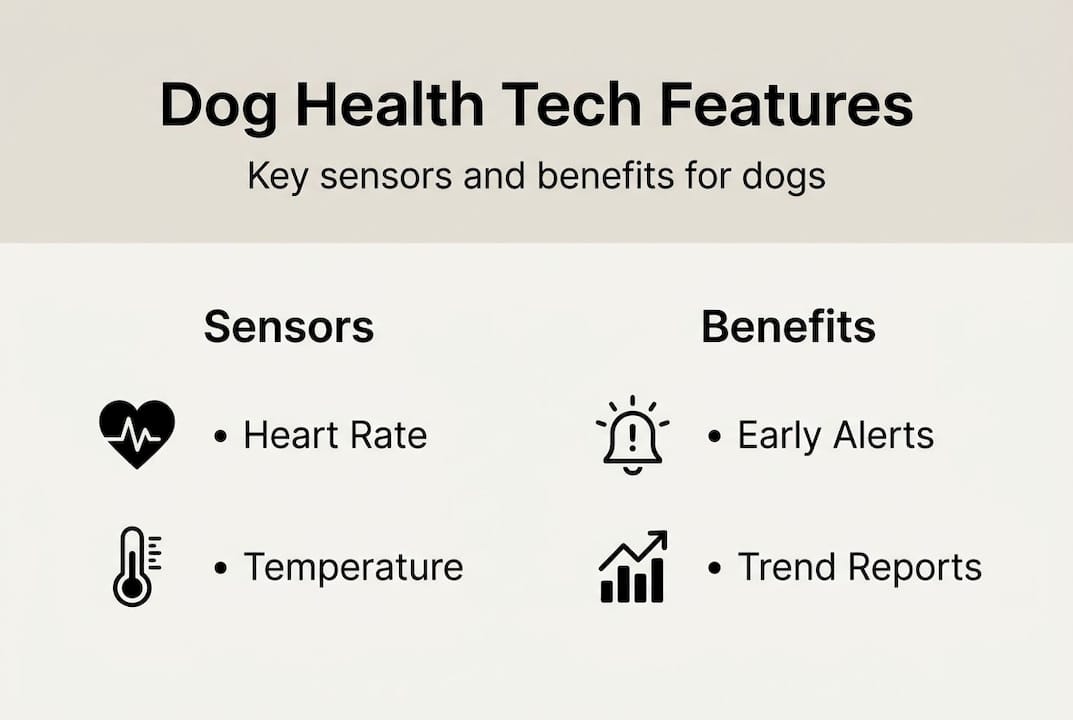
Most health monitoring dashboards display four core metrics:
- Heart rate (HR): Measured in beats per minute. Normal resting HR for dogs is roughly 60 to 140 bpm depending on size and age.
- Respiratory rate (RR): Breaths per minute at rest. Normal is 15 to 30 for most adult dogs.
- Body temperature: Wearable thermometers are surface-level, but trend changes matter more than single readings.
- Activity score: Compares today’s movement patterns against your dog’s personal baseline, not breed averages.
Alerts typically fall into two categories. Activity deviation alerts fire when your dog moves significantly more or less than normal. Vitals-out-of-range alerts flag heart rate or respiratory rate sitting outside established thresholds for a sustained period.
What affects what is normal? Quite a bit, actually. Heart rate and respiratory rate decrease during early life maturation, are lower at night than during the day, and show seasonal variation. A dog sleeping in summer heat will breathe faster than the same dog on a cool October morning. Age also shifts baselines: older dogs often show lower resting activity scores even when healthy.
“For senior and service dogs, small deviations, especially in activity, can precede visible symptoms by days.”
The most common alert patterns and what to do:
- Elevated HR during rest: Watch for 24 hours. If it persists, contact your vet.
- Reduced activity for 2 or more days: Note appetite and mood. Could signal pain or illness early.
- Increased nighttime movement: Could indicate discomfort, anxiety, or the need to go outside (relevant for dogs using communication tools like the iPupPee button).
- Rising body temperature trend: Paired with low activity, this warrants a vet call.
The common dog health issues resource covers what conditions tend to show up first in behavioral and vital changes, which makes it easier to connect the dots when alerts appear. And remember: a single odd data point is rarely reason to panic. Focus on patterns across three or more days. A wearable activity tracking study confirms that sustained trend changes, not single anomalies, are the reliable indicators of early illness.
Troubleshooting and maximizing monitoring accuracy
As you start seeing data and alerts, maximize safety and accuracy by preventing the most common pitfalls.
The most frequent issues owners run into:
- Collar too loose: Causes missed beats and unreliable respiratory readings. Re-fit and re-calibrate.
- Charging gaps: A device that dies mid-week breaks the data trend. Set a charging reminder every 3 days.
- App sync failures: Usually resolved by toggling Bluetooth off and on, or reinstalling the app.
- Coat interference: Long-coated breeds like Collies or Bernese Mountain Dogs sometimes need collar repositioning for sensor contact.
- Post-exercise readings: Alerts fired right after vigorous play are almost always normal. Wait 20 minutes before assessing any alert.
Proper fit is not a one-time task. Senior dogs with osteoarthritis show deviations before owners notice visible symptoms, but fit issues, no FDA validation, and overinterpretation risk are the three biggest limitations of current wearable tech. Keep those in mind as you review your data.
Wearable data is most valuable when it has context. Track your dog’s weight weekly, note changes in appetite, and observe play behavior. A device alert paired with “she also skipped her morning walk and didn’t finish her food” is far more actionable than an alert alone.
“Wearables are a supplement, not a replacement for veterinary care. Use data to inform, not replace, clinical judgment.”
For elderly and service dogs specifically, prioritize behavioral anomaly alerts over single vitals spikes. A dog who normally greets you at the door but suddenly stays lying down is giving you clinical information before any sensor does. Pair that behavioral shift with wearable data, and you have something your vet can actually use. The senior dog care tips page offers additional context for interpreting changes in older dogs.
For dogs prone to neurological episodes, seizure-alert detection research suggests that wearables may eventually support pre-episode detection, though this technology is still developing.
Pro Tip: After any illness, surgery, or significant weight change, reset your baseline. A dog who recovers from pneumonia has a new normal, and the old baseline will generate excessive alerts that train you to ignore them.
Our perspective: What most guides miss about dog health monitoring
Most articles focus on which device to buy. That is the easy part. What gets overlooked is how owners actually use the data day to day, and where things go sideways.
The biggest mistake we see is alert fatigue. Owners get excited, watch every notification for the first two weeks, then start dismissing alerts automatically because so many turned out to be nothing. The fix is not to monitor less carefully. It is to track trends over days and weeks, combine data with home biomarkers, and understand that AI enhances but does not replace clinical judgment.
For service dogs and aging dogs especially, the real value is not in catching a crisis. It is in the slow-burn pattern: a dog who gradually becomes 12% less active over three weeks, or whose resting heart rate climbs by 8 bpm over a month. Those trends are invisible without data and obvious with it.
We also believe that wearable data should be a team effort. Sharing monthly trend reports with your vet or care team, the way humans share fitness app data with doctors, shifts the entire relationship from reactive to proactive. Dogs helping seniors maintain independence deserve the same level of proactive care their handlers rely on them for.
Schedule a brief “data review” every 30 days. Look at the trend, not the single worst day.
Ready to give your dog an edge? Explore more resources
If you’ve made it this far, you already care more than the average dog owner. That matters. Early action, driven by consistent monitoring and good data habits, is what separates a close call from a real emergency.
At iPupPee, we focus on communication and safety tools that work alongside technology like health monitoring collars. Whether you care for a service dog, a senior pup, or a rescue still learning routines, iPupPee’s full dog health monitoring guide brings together expert resources, curated product picks, and training tools in one place. For handlers specifically, the wellness tips for handlers blog section covers the intersection of daily care and health tech in practical, real-world terms.
Frequently asked questions
How accurate are wearable dog health monitors?
Top models like Invoxia are validated at 99.6% HR accuracy and 98.6% respiratory rate accuracy, though real-world fit and movement can affect readings.
Should I monitor my senior dog differently?
Yes. Combine wearable data with home biomarkers like weight and appetite, and share trend reports with your vet to catch early changes before they escalate.
Can these monitors replace visits to the veterinarian?
No. Wearables supplement, not replace vet exams. Use the data to inform your vet’s clinical judgment, not to make diagnoses on your own.
What should I do if my dog’s monitor sends an alert?
Review the full data trend over the past 48 to 72 hours, check for behavioral signs of illness, and contact your vet if AI-flagged deviations persist for more than 24 hours.