

Training your dog to use communication devices can transform how you interact and ensure their safety, especially if you rely on them for assistance or companionship. Many pet owners struggle with where to begin, which devices work best, and how to avoid overwhelming their dogs during the learning process. This guide provides a clear roadmap for introducing communication tools like buttons and wearables, using proven positive reinforcement methods that respect your dog’s learning pace while building genuine two-way communication that enhances both safety and independence.
Table of Contents
- Key takeaways
- Preparing to introduce communication devices to your dog
- Step-by-step process to introduce and train communication devices
- Using wearable devices and haptic communication for advanced training
- Common mistakes and troubleshooting when introducing devices to dogs
- Explore innovative communication solutions for your dog
- Frequently asked questions about introducing devices to dogs
Key Takeaways
| Point | Details |
|---|---|
| Device categories | AIC devices such as recordable buttons and wearables like haptic vests and sensor collars serve different purposes and require different training approaches. |
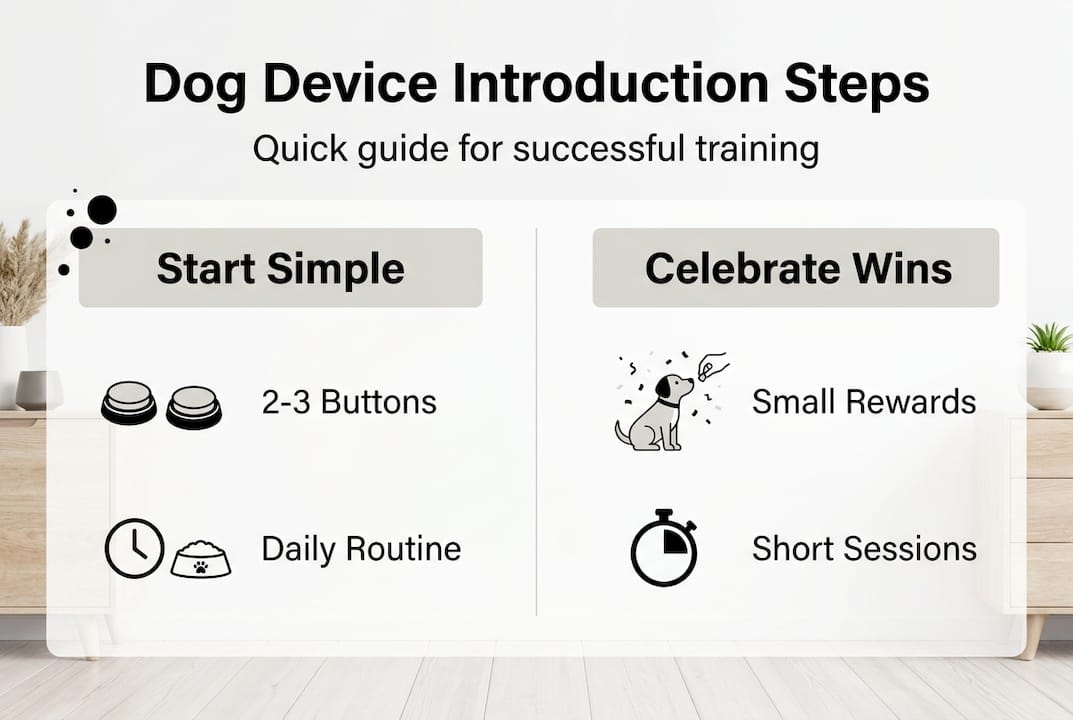
| Start small | Place two to three buttons representing your dog’s most frequent needs in consistent accessible locations to avoid overwhelming learning. |
| Modeling and rewards | Use positive reinforcement and modeling to help dogs learn basic needs first and build genuine understanding. |
| Baseline observation | Spend a week observing your dog’s natural communication attempts before introducing devices to choose relevant initial buttons and pace training. |
| Structured training phases | Follow a phased approach starting with modeling and association and then encourage interaction with paw guidance and immediate rewards. |
Preparing to introduce communication devices to your dog
Before you press a single button or strap on any device, understanding what you’re working with sets the foundation for success. Communication devices fall into two main categories: auditory augmentative and interspecies communication (AIC) devices like recordable buttons, and wearable technology including haptic vests and sensor collars. Each serves distinct purposes and requires different training approaches.
AIC devices work through simple cause and effect. Your dog presses a button, hears a word like “outside” or “play,” and receives the corresponding action. Communication buttons are trained using positive reinforcement like modeling and rewards to help dogs learn basic needs first, then combinations. This method respects your dog’s cognitive abilities while building genuine understanding rather than random pressing.
Selecting appropriate devices depends on your dog’s size, cognitive ability, and your specific goals. Larger breeds may need bigger, more durable buttons, while senior dogs might benefit from devices with clearer sound quality. Service dog handlers often choose wearables for silent command delivery in public spaces. Start by identifying your primary communication needs: does your dog need to signal bathroom breaks, alert you to medical issues, or respond to distance commands?
The smartest approach involves starting small. Choose 2-3 buttons representing your dog’s most frequent needs like “outside,” “water,” and “play.” Place them in consistent, accessible locations where your dog naturally goes when wanting these things. Avoid the temptation to set up an entire board immediately, which creates confusion and slows learning.
Pro Tip: Spend a week observing your dog’s natural communication attempts before introducing any device. Notice how they signal needs now, whether through whining at the door, nudging their bowl, or bringing toys. This baseline helps you choose the most relevant initial buttons and recognize when device use becomes intentional versus accidental.
Your mindset matters as much as your equipment. Training communication buttons requires patience and consistency, not perfection. Some dogs grasp concepts within days while others need weeks. Breeds with strong working drive or high intelligence may progress faster, but every dog can learn with appropriate pacing.
Step-by-step process to introduce and train communication devices
Successful device training follows a structured progression that builds on small wins. The process mirrors how dogs naturally learn language by observing and imitating, combined with positive outcomes that reinforce behavior.
Phase 1: Modeling and Association (Days 1-7)
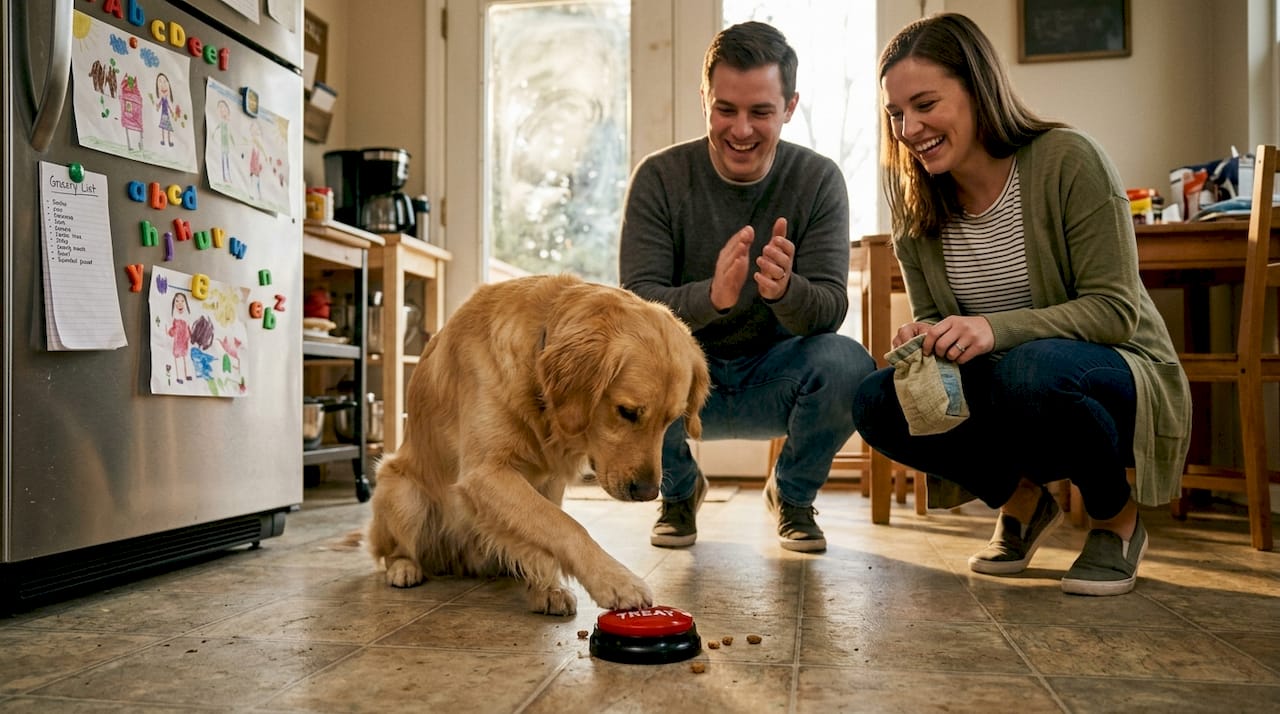
- Press the button yourself immediately before providing the action. Say “outside,” press the outside button, then take your dog out.
- Repeat this sequence 5-8 times daily at natural moments when your dog actually needs or wants that thing.
- Use an enthusiastic, consistent tone and immediate follow-through every single time.
- Do not force your dog to interact with the button yet. They’re simply observing the connection.
Phase 2: Encouraged Interaction (Days 8-21)
- When your dog shows interest in the activity, guide their paw to the button before you press it yourself.
- Reward any button contact, even accidental, with immediate action and verbal praise.
- Gradually reduce your assistance, waiting a few seconds to see if they’ll press independently.
- Maintain the modeling routine alongside encouraged attempts to reinforce the pattern.
Phase 3: Independent Use and Expansion (Days 22+)
- Wait for your dog to press the button before providing the action, building genuine communication.
- Introduce a second button once the first shows consistent, intentional use.
- Begin simple combinations by modeling two-button sequences like “outside” + “play.”
- Research analyzing over 260,000 button presses shows dogs form intentional combinations beyond random behavior when trained using gradual encouragement and rewards.
| Training Phase | Typical Duration | Success Indicators | Common Challenges |
|---|---|---|---|
| Modeling | 7-10 days | Dog watches button presses, moves toward button location | Ignoring button, anxiety around device sounds |
| Encouraged Interaction | 10-14 days | Touches button with guidance, shows excitement near buttons | Inconsistent pressing, pressing without intent |
| Independent Use | 14-21 days | Presses button then waits expectantly, uses at appropriate times | Overuse, frustration when delayed response |
| Combination Building | 30+ days | Sequences two buttons meaningfully, creates novel combinations | Confusion between similar buttons, reverting to single presses |
Watch for these signs your dog is ready to progress:
- Consistently pressing the current button at appropriate times, not randomly throughout the day
- Waiting expectantly after pressing, demonstrating understanding of cause and effect
- Reduced accidental presses and increased deliberate, purposeful interactions
- Showing frustration or persistence when the button doesn’t immediately produce results
- Approaching the button area when they want something rather than using old communication methods
Common mistakes derail progress faster than anything else. Never punish button pressing, even if your dog uses it at inconvenient times. This destroys trust and the entire communication framework. Avoid inconsistent responses where sometimes pressing “outside” leads to a walk and sometimes gets ignored. Your dog can’t learn rules that keep changing.
Pro Tip: Record your training sessions weekly. Reviewing footage reveals patterns you miss in the moment, like whether your dog presses harder when more motivated or if certain times of day show better focus. This data helps you optimize training schedules and identify subtle progress that keeps you motivated during plateaus.
Teaching dogs buttons successfully means celebrating small wins and maintaining realistic expectations. Most dogs achieve basic button use within 4-6 weeks, but mastering combinations and complex communication can take 6-12 months of consistent practice.
Using wearable devices and haptic communication for advanced training
While buttons excel at letting dogs initiate communication, wearable technology enables handlers to send silent commands through vibration patterns, opening new possibilities for service work and specialized training. These devices represent the cutting edge of canine communication technology.
Wearable devices come in several forms, each with specific applications:
- IMU sensor collars detect specific trained behaviors through motion patterns, automatically alerting handlers when dogs perform actions like spinning to signal medical alerts
- Haptic vests deliver distinct vibration patterns that dogs learn to associate with commands, enabling silent communication in noise-sensitive environments
- GPS-enabled wearables combine location tracking with vibration commands for distance work and search-and-rescue operations
- Biometric monitors track stress indicators and physiological changes, helping handlers recognize when their dog needs breaks or is experiencing anxiety
The most compelling applications involve service dogs working in challenging environments. Guide dogs can receive directional cues through vest vibrations without verbal commands that might confuse them in crowded spaces. IMU sensor collars detect trained spin alert behavior with 92% accuracy, while haptic vests enable silent command delivery for service dogs in hospitals, courtrooms, and other quiet settings where verbal commands disrupt.
Training wearable devices requires more investment than button training because you’re teaching your dog to interpret abstract vibration patterns rather than simple cause-and-effect relationships. Start by pairing a specific vibration pattern with a known verbal command and immediate reward. For example, deliver a short pulse vibration while saying “sit” and rewarding the sit. Repeat this pairing 20-30 times before attempting the vibration alone.
Standardization matters enormously for wearables. If multiple handlers work with your dog, everyone must use identical vibration patterns for the same commands. A two-pulse pattern meaning “come” to one handler but “stay” to another creates dangerous confusion. Document your vibration vocabulary and ensure all team members follow it precisely.
Challenges with wearables include higher initial costs, the learning curve for handlers to operate devices correctly, and individual dog sensitivities to vibration. Some dogs find certain frequencies uncomfortable or distracting. Always start with the lowest intensity setting and increase only if your dog shows no stress signals. Watch for excessive scratching at the device, attempts to remove it, or avoidance behaviors that indicate discomfort.
Recent studies demonstrate that properly trained dogs distinguish between multiple vibration patterns with high reliability, performing commanded behaviors 85-90% of the time after completing standardized training protocols. This success rate matches or exceeds verbal command compliance in controlled environments, proving wearables offer legitimate communication channels rather than mere novelty.
Service dogs communication training with wearables typically spans 8-12 weeks for basic pattern recognition and 6-12 months for complex command vocabularies. The investment pays dividends in situations where traditional communication fails, giving handlers and their dogs more flexibility and independence.
Common mistakes and troubleshooting when introducing devices to dogs
Even experienced trainers hit roadblocks when introducing communication devices. Recognizing these patterns early and adjusting your approach prevents frustration and keeps training positive.
The most frequent error involves overwhelming dogs with too many options too quickly. A board with 15 buttons looks impressive but confuses dogs still learning basic cause-and-effect. They may press randomly hoping for any reward rather than developing intentional communication. Similarly, introducing multiple vibration patterns simultaneously in wearable training creates pattern confusion where dogs can’t distinguish commands.
| Effective Technique | Ineffective Technique | Outcome Difference |
|---|---|---|
| Start with 2-3 essential buttons | Set up 10+ buttons immediately | 3x faster initial learning, better retention |
| Model every button press before expecting use | Expect dog to figure it out independently | 80% vs 30% success rate at 4 weeks |
| Respond to button presses within 10 seconds | Delayed or inconsistent responses | Maintains vs destroys cause-effect understanding |
| Use high-quality devices with clear sounds | Cheap buttons with degraded audio | 2x higher intentional use rates |
| Introduce new buttons only after mastering current ones | Add buttons on a schedule regardless of progress | 60% vs 25% multi-button success |
| Pair vibrations with known commands extensively | Use vibrations alone too early | 85% vs 40% command compliance |
Sound quality degradation in buttons lowers action success, as dogs struggle to distinguish words when audio becomes muffled or distorted. Invest in durable, well-reviewed devices rather than the cheapest options. Replace batteries proactively before sound quality drops.
Inconsistent modeling represents another major pitfall. If you press the button before the action sometimes but not others, your dog can’t establish the reliable pattern needed for learning. Every family member must follow the same training protocol, using identical timing and rewards.
Troubleshooting strategies for common issues:
- Random pressing without intent: Temporarily remove all but one button, restart modeling phase with that single button, require eye contact before responding to presses
- Button avoidance or fear: Check volume settings, ensure button placement isn’t in startling locations, pair button presence with high-value treats unrelated to pressing
- Overuse of favorite buttons: Introduce a brief delay before responding, add a second step like sitting after pressing, ensure the dog actually wants/needs that thing
- Plateau in learning: Take a 3-5 day break from training, review and tighten your modeling consistency, consider whether current buttons match your dog’s actual priorities
- Wearable discomfort: Adjust fit, try different vibration intensities, ensure device isn’t overheating, check for skin irritation under straps
Pro Tip: Keep a simple training log noting date, which buttons your dog pressed, whether presses seemed intentional, and your response time. After two weeks, patterns emerge showing which buttons work well, which confuse your dog, and whether your consistency needs improvement. This objective data prevents the frustration of feeling like “nothing is working” when progress is actually happening gradually.
Training disabled dogs presents unique challenges requiring extra patience and modified techniques, but the same core principles apply. Adjust your expectations for physical limitations while maintaining consistent positive reinforcement.
Explore innovative communication solutions for your dog
Building genuine two-way communication with your dog transforms your relationship and enhances safety in ways traditional training can’t match. Whether you need basic needs communication through buttons or advanced silent commands via wearables, the right tools make the difference between frustration and success.
Our platform specializes in communication devices designed specifically for the challenges pet owners face. Every product undergoes rigorous testing to ensure sound quality, durability, and ease of use that respects your dog’s learning process. We combine innovative technology with practical training resources that guide you through each stage, from your first button press to complex command sequences.
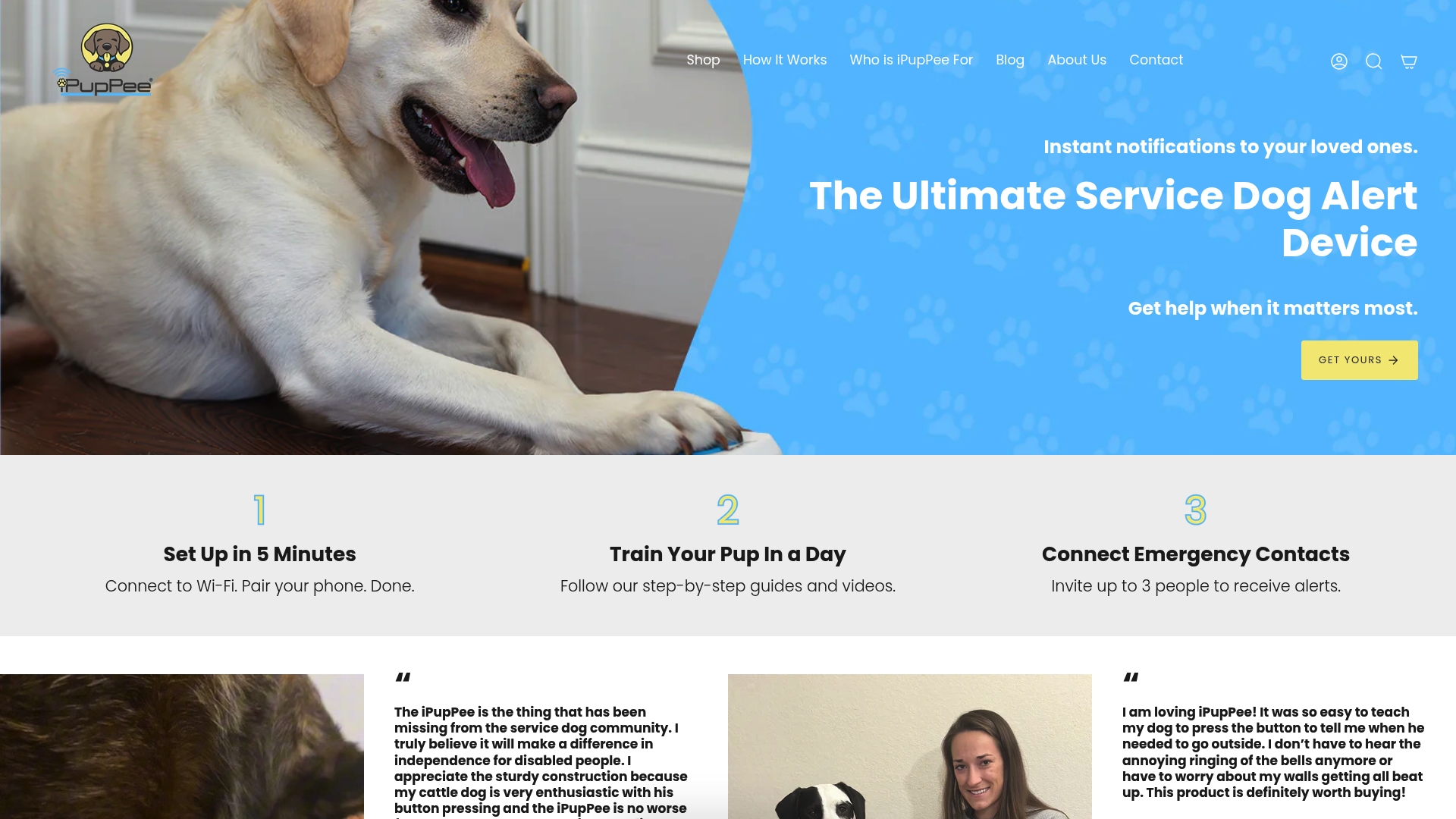
Explore our complete range of communication devices and training resources built on positive reinforcement principles. Our expert guides walk you through device selection, placement strategies, and troubleshooting specific to your dog’s needs. Discover how the right communication tools create independence for both you and your dog, especially in situations where traditional methods fall short. Visit our site today to find the perfect solution for your unique situation.
Frequently asked questions about introducing devices to dogs
How long does it typically take to train a dog to use communication buttons?
Most dogs achieve basic single-button use within 4-6 weeks of consistent daily training using positive reinforcement and modeling. Complex combinations and multi-button communication typically develop over 6-12 months as dogs build vocabulary and understanding. Individual learning speeds vary significantly based on breed, age, prior training experience, and handler consistency.
Can any dog learn to use wearable communication devices?
Nearly all dogs can learn wearable device communication with appropriate training, though success rates and timelines vary. Dogs with prior command training adapt faster, while puppies and seniors may need extended learning periods. Physical limitations like severe arthritis or neurological conditions may affect some wearable types but rarely prevent all device use. Individual sensitivity to vibration requires testing different intensities to find comfortable levels.
What are the signs my dog understands the device commands?
Intentional understanding shows through consistent appropriate timing, like pressing “outside” specifically when needing bathroom breaks rather than randomly throughout the day. Your dog will wait expectantly after pressing, demonstrating awareness that the button produces an outcome. Reduced accidental presses, purposeful approach to button areas when wanting something, and eventual combination use all indicate genuine comprehension rather than conditioned response.
How do I maintain consistent training progress?
Establish a daily routine with multiple short training sessions rather than one long session, maintaining enthusiasm and immediate rewards for correct use. Document progress weekly to identify patterns and plateaus objectively. Ensure all household members follow identical protocols for button responses and command delivery. Review and refresh your own modeling regularly, as handler inconsistency causes most training stalls.
Can these devices replace verbal commands entirely?
Communication devices supplement rather than replace traditional training, creating additional communication channels that enhance understanding. Verbal commands remain important for immediate safety situations requiring instant response. Devices excel in situations where verbal communication fails, like distance work, noisy environments, or when dogs need to initiate communication about internal states handlers can’t observe. Understanding why communication training matters helps you integrate devices effectively alongside existing training methods.