

Every american service dog team knows safety and independence can depend on crystal clear communication at home. Studies show that using communication buttons allows pets and owners to share urgent needs and daily messages with less confusion. For pet owners and seniors in cities from Paris to Tokyo, learning how to organize and teach these buttons brings more confidence, faster response times, and a deeper connection in everyday life.
Table of Contents
- Step 1: Set Up Communication Buttons In Your Home
- Step 2: Introduce Button Presses To Your Dog
- Step 3: Reinforce Button Uses With Positive Rewards
- Step 4: Expand Button Vocabulary For Specific Needs
- Step 5: Verify Dog Understanding Through Daily Practice
Quick Summary
| Key Takeaway | Explanation |
|---|---|
| 1. Set Up Buttons Strategically | Choose low traffic, logical locations for button placement to facilitate learning. |
| 2. Use Clear Labels for Buttons | Clearly label buttons with simple words to help your dog understand what each button represents. |
| 3. Introduce One Button at a Time | Start training with one useful button to avoid confusion, gradually increasing complexity. |
| 4. Reinforce with Positive Rewards | Provide immediate praise or treats after button presses to encourage communication and learning. |
| 5. Regularly Verify Button Comprehension | Observe and document button interactions daily to track understanding and progress. |
Step 1: Set Up Communication Buttons in Your Home
Setting up communication buttons in your home requires strategic placement and thoughtful organization to help your dog learn effectively. By creating a clear and accessible communication system, you can transform how your dog interacts with you.
Start by selecting a consistent location for your buttons. Strategic button placement matters significantly for your dog’s learning process. Choose a low traffic area in your home where your dog can comfortably reach and press buttons without disruption. Many trainers recommend using a specific mat or dedicated space to help your dog understand the communication zone. Consider placing buttons at your dog’s eye level and in a sequence that makes logical sense to them.
Ensure each button is clearly labeled with a simple, distinct word or command. Soundboard button arrangement is crucial for successful communication. Use durable, easy-to-press buttons with high-quality recordings. Group related buttons together and maintain consistent spacing. For example, place food-related buttons near each other, and movement-related buttons in another cluster.
Pro tip: Start with just 3-5 essential buttons to prevent overwhelming your dog and increase the likelihood of successful training.
Here’s a quick comparison of button placement strategies for maximizing your dog’s learning:
| Button Placement Aspect | Less Effective Approach | Most Effective Approach |
|---|---|---|
| Location | High traffic, noisy area | Quiet, consistent, low-traffic spot |
| Height | Above dog’s eye level | At dog’s eye level |
| Grouping | Random arrangement | Categories (e.g., food, movement) |
| Button Durability | Flimsy, inconsistent sound | Durable, clear recordings |
| Number to Start | More than 5 at once | 3-5 essential buttons |
Step 2: Introduce Button Presses to Your Dog
Teaching your dog to understand and use communication buttons is an exciting journey of learning and connection. Your goal is to help your dog recognize that pressing a specific button triggers a predictable and rewarding response.
Begin by selecting one simple button associated with something your dog loves. Dog button training techniques recommend starting with a high-value activity like going outside or getting a treat. When introducing the button, use a clear verbal cue each time you press it yourself. For instance, if the button represents “outside,” say “outside” loudly and clearly while simultaneously pressing the button and immediately taking your dog outdoors. This helps create a direct association between the word, button press, and resulting action.
Consistent repetition is key to helping your dog understand the communication process. Demonstrate button pressing multiple times throughout the day, always maintaining an enthusiastic and encouraging tone. Whenever your dog shows interest in the button or accidentally touches it, respond immediately with excitement and the corresponding action. This positive reinforcement helps your dog understand that button presses are a powerful form of communication.
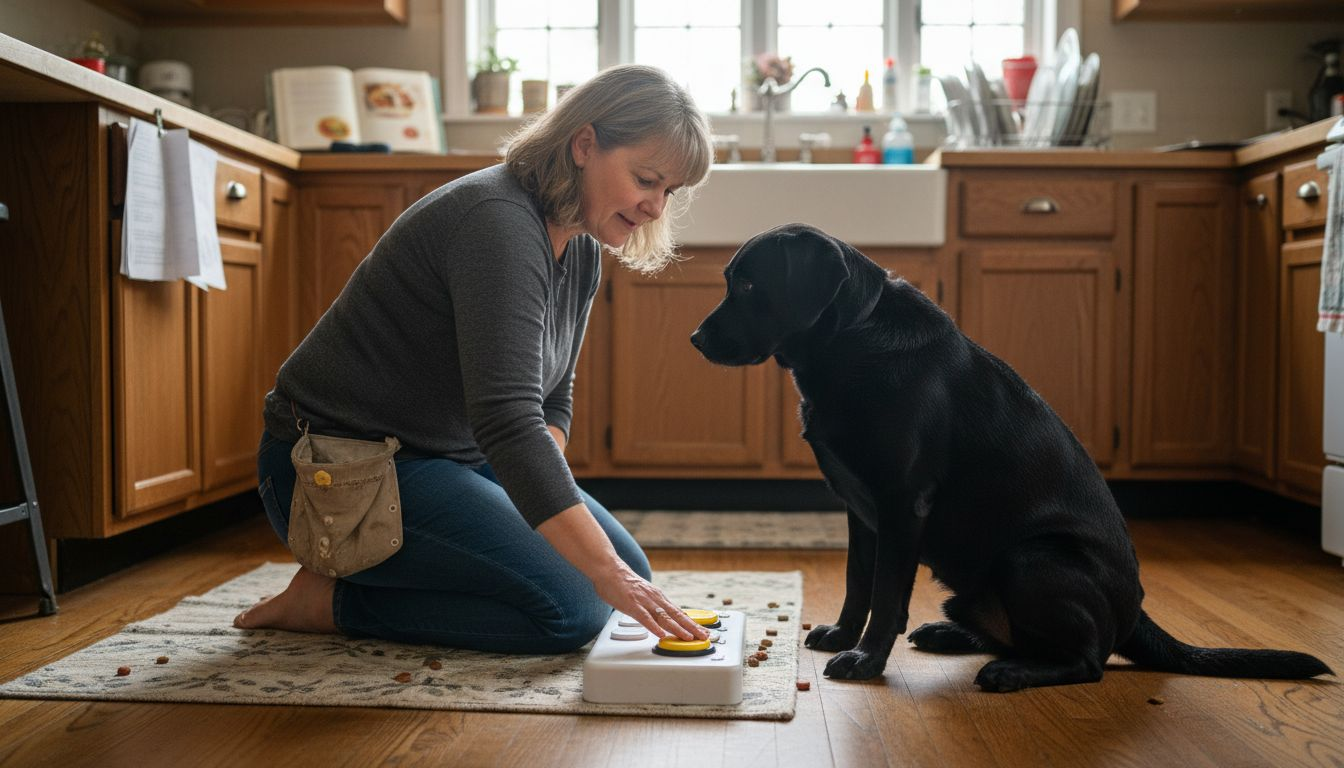
Pro tip: Practice button training when your dog is calm and attentive, using short five minute sessions to prevent frustration and maintain engagement.
Step 3: Reinforce Button Uses with Positive Rewards
Positive reinforcement is the most powerful tool in teaching your dog to communicate effectively through buttons. Your objective is to create a rewarding experience that encourages repeated button usage and builds confidence in your dog’s communication skills.
Positive reinforcement strategies are crucial for successful button training. Immediately after your dog presses a button, respond with enthusiastic praise, treats, or their favorite activity. If they press the “outside” button, quickly open the door. If they press the “play” button, engage in a quick play session. The key is to create an immediate and exciting connection between the button press and the desired outcome. Consistency is paramount consistency helps your dog understand that button presses are a reliable method of communication.
As your dog becomes more comfortable, gradually introduce more complex button combinations. Start by rewarding not just the button press but the accuracy of the communication. For instance, if your dog presses the “water” button when they are actually thirsty, make sure to provide water promptly. This teaches them that precise communication yields the most reliable results. Always maintain a calm and positive demeanor, avoiding any signs of frustration or punishment that might discourage their learning process.
Pro tip: Keep training sessions short and upbeat, using high value treats that your dog finds especially motivating to maintain their enthusiasm for button communication.
Step 4: Expand Button Vocabulary for Specific Needs
Gradually building your dog’s communication skills requires a strategic approach to introducing new buttons and concepts. Your goal is to help your dog develop a more nuanced and comprehensive communication system that reflects their individual needs and experiences.
Dog button vocabulary expansion involves carefully selecting words that are meaningful to your dog’s daily life. Start by identifying themes that matter most to your pet like food, play, comfort, and specific family members. Begin with 3-4 new buttons in each category, introducing them one at a time. For instance, create buttons for different types of food like “kibble,” “treat,” or “chicken,” or play variations such as “fetch,” “tug,” and “walk.” Space out the introduction of these buttons over several weeks to prevent overwhelming your dog.
Pay close attention to your dog’s natural responses and body language when introducing new buttons. Some dogs learn quickly and may start combining buttons to create more complex communications. Others might need more time and patient repetition. Watch for signs of understanding like intentional button presses that correspond to actual needs or desires. Remember that each dog learns differently, so customize your approach based on your pet’s unique learning style and temperament.
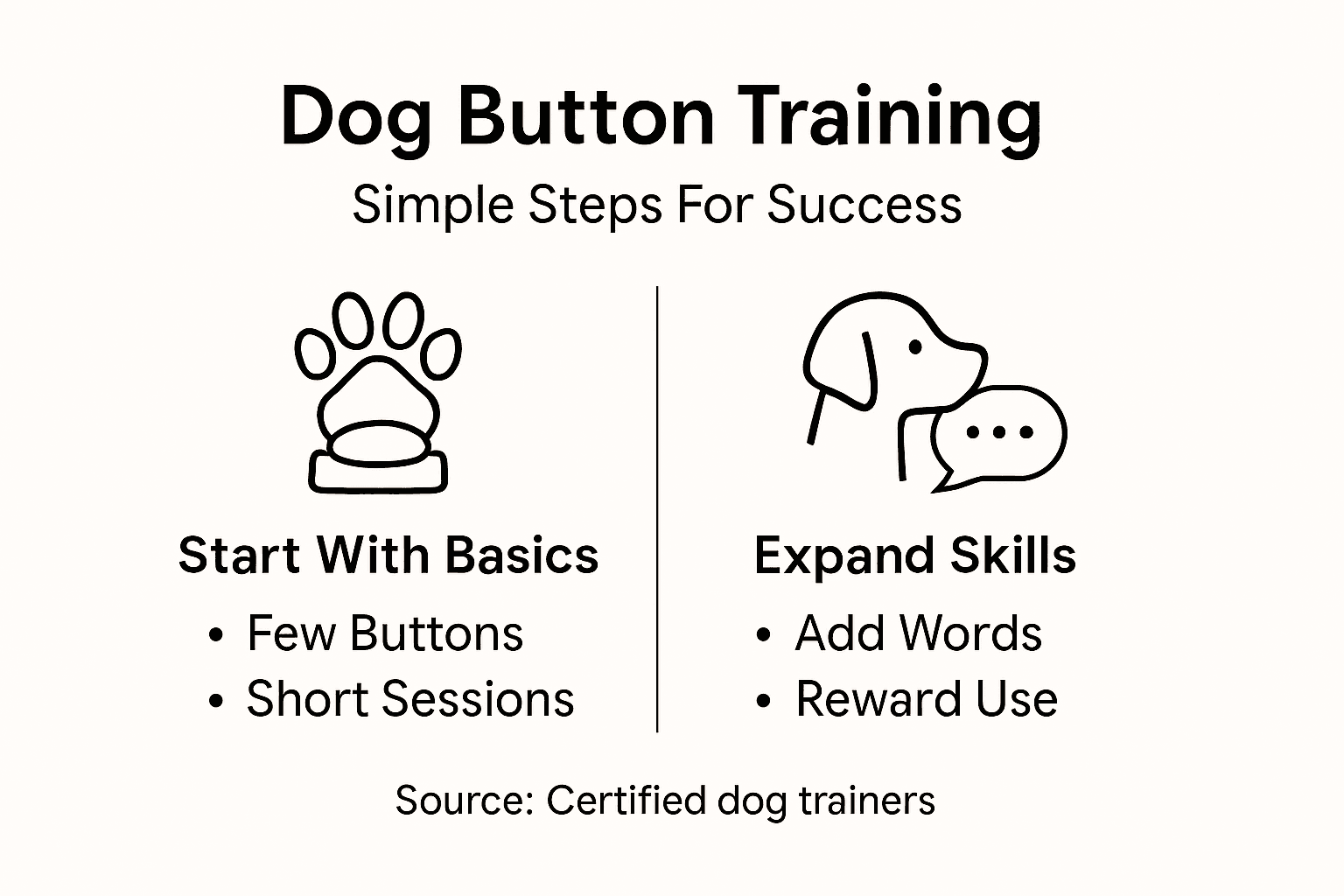
Pro tip: Create a dedicated training area with buttons at your dog’s eye level and practice in short five minute sessions to maintain their interest and prevent training fatigue.
This table summarizes how to expand your dog’s button vocabulary to match their unique needs:
| Theme | Example Buttons | Introduction Pace |
|---|---|---|
| Food | Kibble, Treat, Chicken | 1 new word per week |
| Activity | Fetch, Tug, Walk | 1 every few days |
| Comfort/Family | Bed, Mom, Water | Based on dog’s response |
| Emotions | Happy, Sad, Excited | As dog demonstrates need |
Step 5: Verify Dog Understanding Through Daily Practice
Verifying your dog’s communication button skills requires consistent observation and thoughtful interaction. Your ultimate goal is to develop a clear understanding of how well your dog comprehends and uses their communication buttons in real world scenarios.
Systematic dog communication verification demands daily practice and careful documentation of your dog’s button interactions. Start by creating a simple log that tracks button usage frequency, context, and accuracy. Notice whether your dog presses buttons intentionally or randomly. Pay attention to subtle body language and timing of button presses. For example, if your dog presses the “outside” button while standing near the door and looking expectant, this suggests a purposeful communication attempt.
Gradually increase the complexity of button interactions by introducing scenarios that require more nuanced communication. Test your dog’s comprehension by asking open ended questions using buttons or creating situations that require multiple button combinations. Remain patient and avoid showing frustration if your dog does not immediately understand. Some dogs learn faster than others, and consistent practice is key to developing meaningful communication skills. Celebrate small victories and continue to reinforce positive button usage through enthusiastic praise and rewards.
Pro tip: Record video of your dog’s button interactions to track progress and identify patterns in their communication development.
Enhance Your Dog’s Communication Skills with iPupPee
Training your dog to use communication buttons is a rewarding journey that bridges understanding between you and your furry friend. The article highlights key challenges such as strategic button placement, introducing buttons with clear cues, and reinforcing uses with positive rewards. These steps require patience and consistent practice to unlock your dog’s full communication potential.
Imagine simplifying this process with a device designed specifically for effective dog-human interaction. The iPupPee alert device from iPupPee offers an easy-to-use button system that supports safe and confident communication. Whether you are teaching essential commands or expanding your dog’s vocabulary, iPupPee makes it easier to respond consistently and meaningfully to your dog’s presses. Visit iPupPee Alert Device for detailed product information and training support that aligns perfectly with the communication button concepts discussed.
Start building a stronger bond today by empowering your dog to speak using iPupPee. Take the next step now and explore how our innovative system can support your training goals. Learn more and get your device at iPupPee.
Frequently Asked Questions
How do I set up communication buttons for my dog?
To set up communication buttons for your dog, choose a consistent, low-traffic area in your home and ensure the buttons are at your dog’s eye level. Start with 3-5 essential buttons, each clearly labeled, to prevent overwhelming your dog and focus on effective training.
What should I do if my dog isn’t pressing the buttons?
If your dog isn’t pressing the buttons, focus on engaging your dog with high-value activities associated with the buttons. Demonstrate the button pressing multiple times, maintaining enthusiasm and positive reinforcement to encourage your dog to try pressing them.
How can I teach my dog to use multiple buttons effectively?
To teach your dog to use multiple buttons, gradually introduce new buttons that represent different needs, such as food or play. Space out the introduction of these buttons over several weeks to give your dog time to learn without feeling overwhelmed.
What are some effective reinforcement strategies for button training?
Effective reinforcement strategies include immediate praise and rewards when your dog presses a button correctly. Use their favorite treats or engage in a playful activity to create a positive connection between the button press and the desired outcome.
How can I verify that my dog understands the button communications?
You can verify your dog’s understanding by observing their button usage and tracking whether they press buttons intentionally. Create a simple log of their button interactions and gradually introduce more complex communication scenarios to assess their comprehension.
How long should training sessions be for teaching my dog about buttons?
Keep training sessions short, ideally around five minutes, to maintain your dog’s attention and prevent frustration. This approach helps promote a positive learning experience and allows for more frequent practice throughout the day.
Recommended
- Teaching Dogs Buttons: Simple Guide for Success – iPupPee
- Dog Alert Button Training Guide 2025: Step-by-Step For All Owners – iPupPee
- Dog Button Communication: Guide for Owners and Trainers 2025 – iPupPee
- 7 Essential Dog Training Communication Tips for Owners – iPupPee
- Pet Grooming Management Software | Simplify Appointments & Client Care