

Yes, many dogs can learn to press recordable buttons to request real outcomes, but the button matters far less than the human holding it. Success depends on two things: modeling the same word before the same event every single time, and honoring the press immediately when your dog gets it right. Skip either one and even the fanciest button system stalls out.
TL;DR:
- Successful dog button training relies heavily on consistent modeling and immediate reinforcement after a correct press by the dog.
- Buttons should be chosen based on the dog’s size and behavior, with durable, stable, and appropriately sensitive options for easy presses.
- Training typically takes between one and three weeks for basic words, with a larger vocabulary developing over several months, depending on household consistency.
- Common failures stem from household inconsistency, excessive button spamming, or moving buttons, which can be fixed through owner behavior adjustments.
- Dedicated alert systems may be necessary for reliable communication beyond simple household requests, especially for service or senior dogs.
Table of Contents
- What Are Training Buttons for Dogs and Do They Work?
- How Do You Choose and Set Up Dog Communication Buttons?
- Step-by-Step Dog Button Training Protocol
- Common Mistakes When Training Dogs to Use Buttons
- How Long Does It Take to Train a Dog on Buttons?
- Publisher Data, Guides, and Safety Notes on Dog Buttons
- What Owners Consistently Underestimate About Button Training
- Get a Reliable Alert System Instead of Building One From Scratch
- Sources
- FAQ
What Are Training Buttons for Dogs and Do They Work?
Talking buttons for dogs are recordable sound devices, similar to augmentative and alternative communication (AAC) tools used with nonverbal children. Press one, and it plays back a word you recorded, like “outside” or “play.” Over repeated pairings, the sound becomes predictive of what happens next, and dogs learn to press it on purpose to make that thing happen.
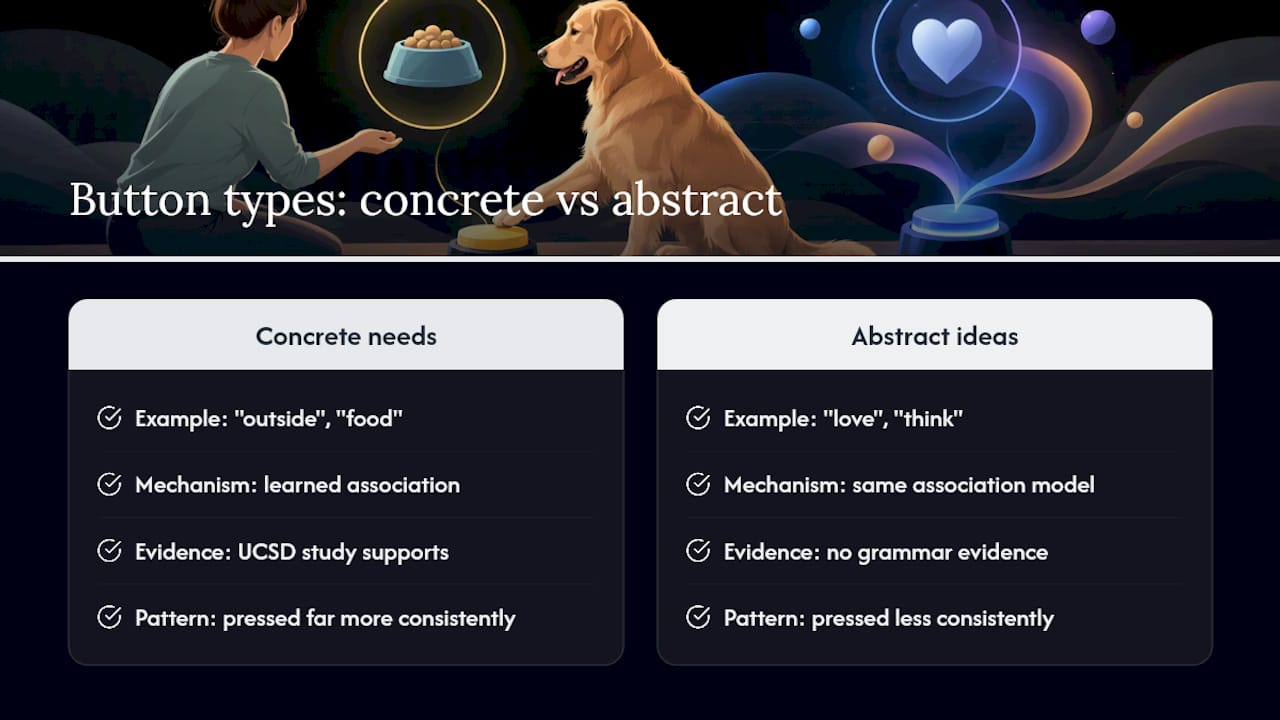
The strongest evidence for this comes from a UC San Diego study through the TheyCanTalk project, which found button-trained dogs responded correctly to known words even with no buttons present and when the words were spoken by strangers. That rules out simple location memory. It does not mean dogs are stringing together grammar the way toddlers do.
Statistic to know: Owners across the iPupPee community have logged more than 56,000 button presses, and the pattern in that data mirrors the lab findings: dogs press buttons tied to concrete needs far more consistently than buttons tied to abstract ideas.
Button training for dogs works on association, not syntax. Your dog isn’t forming sentences. He’s learning that a specific sound reliably opens a specific door.
How Do You Choose and Set Up Dog Communication Buttons?
Pick buttons based on your dog’s paw or nose behavior, not on which color looks nicest on a shelf. A large, clumsy-pawed retriever needs a bigger, more forgiving button than a Chihuahua who taps things delicately.
Look for these features when comparing training buttons for pets:
- Press force: light enough for a nose bump or a soft paw tap, but not so sensitive that a walked-by breeze triggers it.
- Speaker volume: loud enough to hear from another room, since that’s often where you’ll be when the request matters.
- Durability: chew-resistant casing and a sealed speaker if your dog is a mouthy or messy eater.
- Stability: buttons that sit flat and don’t slide, whether that’s a dedicated hex tile system or standard recordable buttons secured to a rubber mat.
Dedicated spatial tile systems cost more but let dogs use location memory as part of the cue, which helps once you’re past four or five words. Generic buttons on a mat are cheaper and work fine for one or two starter words. Either way, place the buttons in one consistent spot near the door, food area, or wherever the requested outcome actually happens. Moving them around resets the learning curve.
Step-by-Step Dog Button Training Protocol
Button training for dogs follows a predictable arc. Rushing any phase is the most common reason owners give up too early.
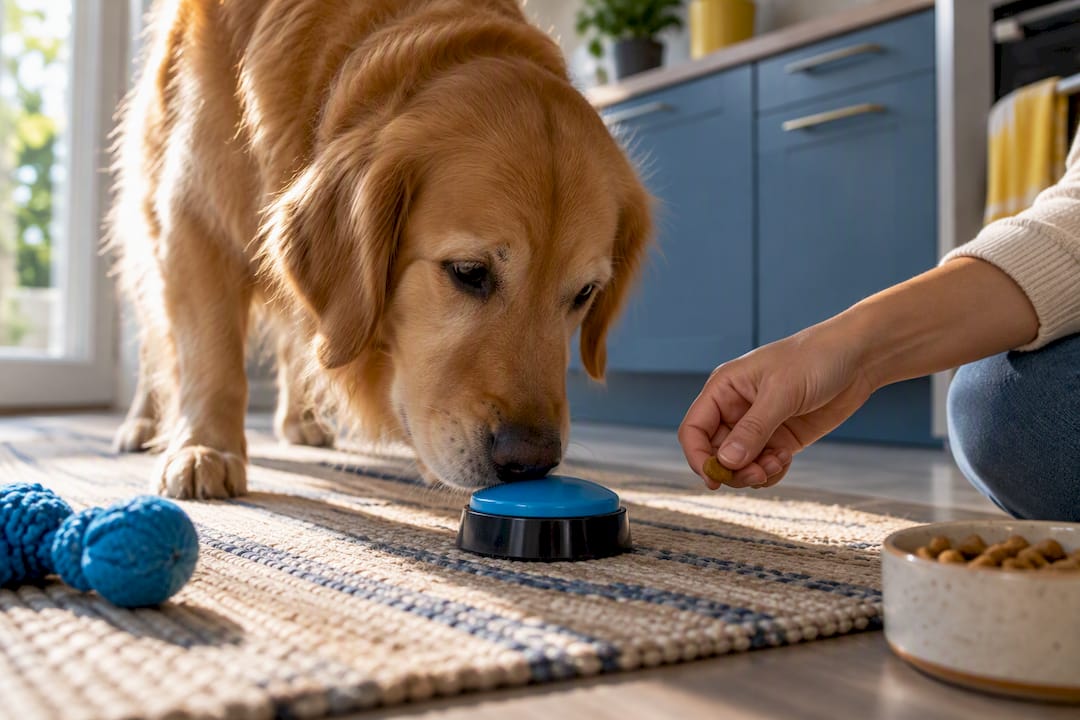
- Build motor targeting first. Before you ever expect a real press, teach your dog to touch a target (your hand, a sticky note, the button itself) with a nose or paw. Run five-minute sessions, two or three times a day. Reward every touch.
- Model relentlessly. Every single time the event happens, walk over and press the button yourself while saying the word out loud, then follow through with the action. If “outside” gets pressed, the door opens within seconds. Do this for a full week or two before you expect your dog to try it.
- Shape the approach. Start rewarding your dog for standing near the button, then sniffing it, then nudging it, then pressing it. Each small step earns a reward or the actual outcome, not just praise.
- Honor every legitimate press immediately. If the button says “play” and your dog presses it, initiate play within a few seconds. Delayed follow-through is the fastest way to make a dog stop trying.
- Add new buttons slowly. Introduce a second word only once the first is reliable, and place it in a clearly separate spot. Model the new button the same way you modeled the first, from scratch.
A workable daily plan looks like this: two or three modeling reps at the moment of the real event, plus one dedicated five-minute practice session. Good starter words are concrete and high-value: “outside,” “walk,” “play,” “food.” Skip anything abstract like “happy” or “later” until your dog has a couple of solid words under her belt, since dogs pick up concrete requests far faster than modifiers, according to the AKC’s training guidance.
Pro Tip: Never physically push your dog’s paw onto a button to force a press. Trainers consistently warn that forced presses can make dogs wary of the whole setup. Build the behavior through targeting and shaping instead.
Common Mistakes When Training Dogs to Use Buttons
Most stalled button training traces back to one of three problems, all fixable within a few days.
- Inconsistent modeling. If only one person in the house presses the button before the event, your dog links the behavior to that person, not the word. Get everyone on the same script.
- Spamming the button. Dogs sometimes discover that pressing repeatedly gets attention even without the real outcome. Fix this with differential reinforcement (only rewarding calm, single presses) or by adding an “all done” button that teaches a clean stopping point.
- Moved or unstable buttons. A button that slides across the floor or gets relocated during cleaning breaks the location-based cue dogs rely on. Secure it to a mat and leave it put.
Pro Tip: If your dog is losing interest in a specific button, check the audio first. A flat or inconsistent recording tone confuses the association more than owners expect. Re-record it in the same energetic voice every time.
Trainer-sourced advice from Rover’s expert roundup echoes the same point: the fix is almost always a change to owner behavior or hardware placement, rarely a change to the dog.
How Long Does It Take to Train a Dog on Buttons?
Most dogs show interest in a button within days of consistent modeling. Reliable, intentional use of a single button usually shows up somewhere between one and three weeks. A working vocabulary of four or more words takes several weeks to a few months, and trainers who work with communication buttons regularly describe this less as a trick you finish teaching and more as an ongoing part of daily routine.
Motivation level, household consistency, and prior training experience all speed things up or slow them down. To judge real understanding versus accidental pressing, watch whether your dog presses the button before the outcome happens on her own, in varied contexts, not just when you’re standing right next to it.
Publisher Data, Guides, and Safety Notes on Dog Buttons
The 56,000-plus recorded presses logged by iPupPee owners aren’t a lab statistic. They’re a running record of real households using buttons for real requests, and the pattern holds steady with what the TheyCanTalk research found: concrete, high-value words get used far more reliably than novelty words.
For owners who want to go deeper, Andrew’s step-by-step post on mastering communication buttons walks through modeling and shaping in more detail, and the safe training guide for communication devices covers specific considerations for service-dog teams, seniors, and guardians supporting a dog with special needs. A simple troubleshooting checklist is also worth bookmarking before you hit your first plateau.
What Owners Consistently Underestimate About Button Training
The button is never the bottleneck. Owners spend money hunting for the “right” hardware when the real gap is almost always inconsistent modeling or a delayed reward. A dog presses “outside” and waits four seconds too long for the door to open, and that gap alone can undo a week of good training.
Two habits fix most of this. Run a two-minute modeling routine daily, even on days nothing seems to be happening. And keep a simple press log, just noting the word and whether the outcome followed immediately, so you can spot your own inconsistency before it becomes your dog’s confusion.
— Andrew
Get a Reliable Alert System Instead of Building One From Scratch
DIY buttons are a fine starting point if you’re experimenting on a budget or just want to see if your dog takes to the idea. But if you need something that reliably reaches you, or reaches multiple people, when it matters, a dedicated system closes the gap that a mat full of recordable buttons can’t.
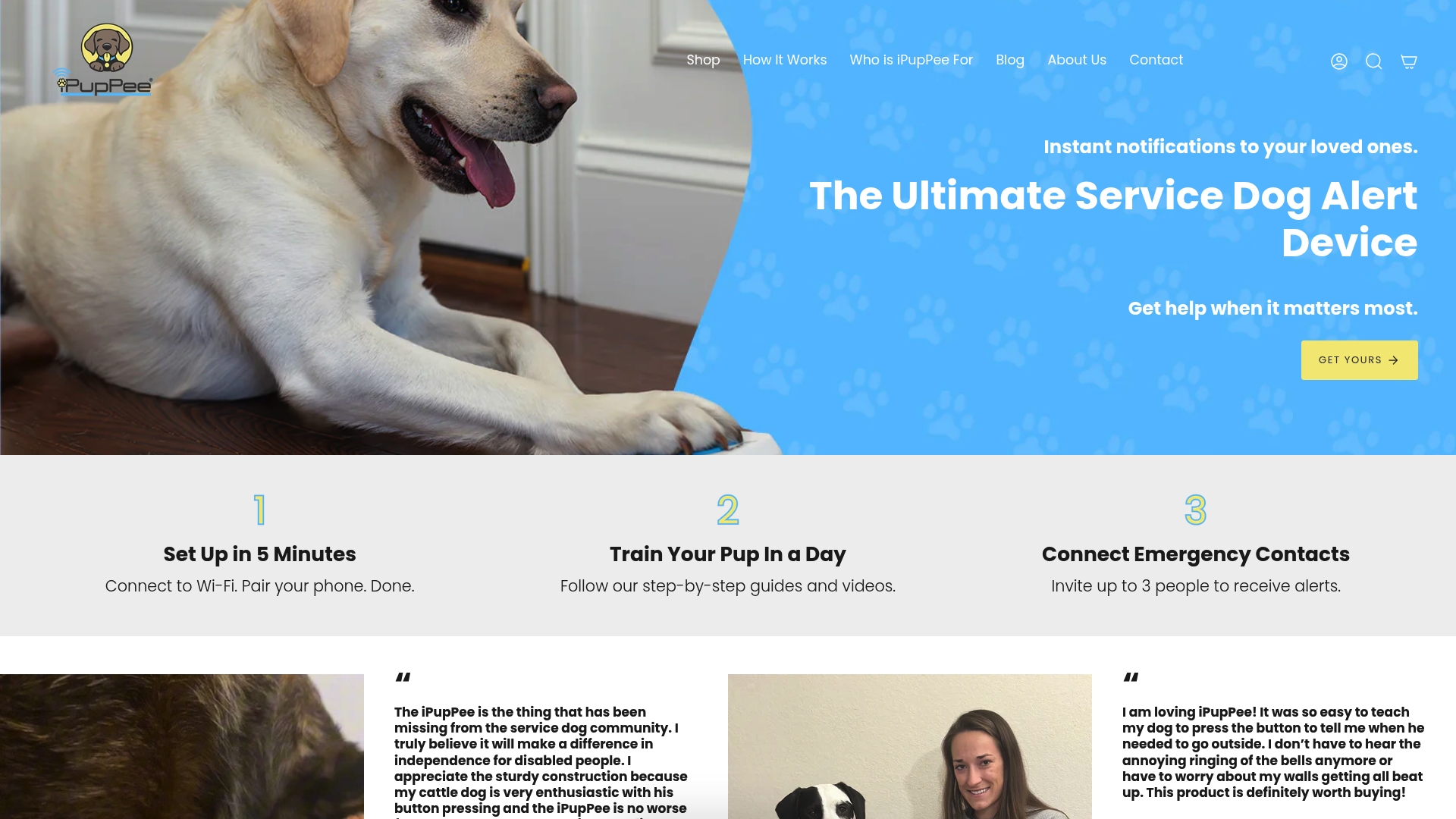
The iPupPee Medical Alert Device Training System sends Wi-Fi notifications with live video and two-way audio to multiple contacts the moment your dog presses it, no monthly subscription required. That makes it a fit for service-dog teams, seniors living alone, and pet owners who need more than a household toy button, something that actually alerts a real person when it counts. Pair it with the Psychology & Training Course if you want a structured, on-demand walkthrough instead of piecing together your own protocol. If you’re just testing the waters, start with basic buttons and the free guides above. If reliability and reach matter, check out the iPupPee product page and see whether the training system fits your household.
Sources
- How to teach your dog to talk using dog training buttons — AKC
- Do dog buttons work? What experts say — Rover
FAQ
Do Dog Training Buttons Actually Work?
Yes, for concrete requests like “outside” or “play,” many dogs learn to press buttons purposefully rather than by accident. The TheyCanTalk study out of UC San Diego found button-trained dogs responded correctly to known words even without buttons present, and iPupPee’s own usage data across more than 56,000 recorded presses shows the same pattern holding up in ordinary homes.
What Is the 7-7-7 Rule for Dogs?
The “7-7-7 rule” is a puppy socialization guideline about early exposure to different experiences, and it has no direct connection to teaching communication buttons.
What Are the Most Common Mistakes With Dog Buttons?
The biggest mistakes are inconsistent modeling across household members, letting a dog spam a button without consequence, and moving buttons around so the dog loses the spatial cue. Fixing owner consistency solves most stalled progress faster than buying new hardware.
What Is the Hardest Command to Teach a Dog?
Abstract or modifier-based words, things like “happy” or “later,” are far harder for dogs to learn than concrete needs. Trainers recommend starting with high-value, tangible requests such as “outside,” “walk,” or “food” before attempting anything abstract, since dogs pick up concrete cues far more reliably.