

A pet IoT device is any pet product with a sensor or button, a connection (Wi-Fi, Bluetooth or cellular) and an app that sends you information or lets you act from a distance. IoT stands for “Internet of Things,” meaning everyday objects that talk to your phone. For most dog owners, the useful question is which job you need done: finding your dog, feeding on schedule, watching activity, or hearing from your dog when you need to know. If you need the dog to reach you, our iPupPee alert device is built for that job: your dog presses a button and chosen contacts get a Wi-Fi notification with live video and two-way audio.
TL;DR
- Pet IoT covers trackers and GPS collars, smart feeders and fountains, cameras, litter systems and alert buttons. Each one senses something, sends it over a network and shows it in an app.
- Connection type decides what a device can do: Wi-Fi for the home, Bluetooth for short range, cellular for outdoor tracking.
- Wearables show trends, not diagnoses. Treat the data as a conversation starter with your veterinarian.
- Cameras, microphones and location data are personal. Secure your account and network before you add any device.
- If your dog needs to call you or an emergency contact, a Wi-Fi alert button with video and audio fits better than a tracker.
Table of Contents
- What pet IoT devices are and how they work
- The main types of connected pet devices
- Trackers and activity monitors
- Smart feeders and fountains
- Cameras and two-way audio
- Alert devices: when the dog does the signaling
- Privacy and security: what to check first
- Safe use: what wearable data can and cannot tell you
- How to choose the right function for your situation
- Our perspective
- Where to start with iPupPee
- FAQ
- Sources
What pet IoT devices are and how they work
Every pet IoT device does the same four things. A sensor or button captures something: a location, a step count, a bowl weight, a press. A small chip sends that over a connection. A cloud service or your home router passes it along. An app on your phone shows it, and sometimes lets you send a command back, such as dispensing a meal.

The research literature treats this as its own field. A 2025 peer-reviewed review of 81 studies found pet IoT prototypes spanning feeders and water dispensers, cages, houses, robots, collars, doors and litter-area systems. The same review lists remote monitoring, location and activity tracking, health monitoring, emotional support and thermal comfort among the research goals.
You do not need that range. You need to know the handful of categories that are on the shelf today.
The main types of connected pet devices
Common categories include wearable trackers and GPS collars, smart feeders and water fountains, cameras, automated litter boxes and connected-home systems. Here is what each does in plain terms.
| Device type | What it does | Connection it usually uses | Best for |
|---|---|---|---|
| GPS collar or tracker | Reports location, sometimes activity | Cellular, Bluetooth or both | Dogs that roam or escape |
| Activity monitor | Counts movement, sleep, scratching | Bluetooth to phone | Owners tracking trends |
| Smart feeder or fountain | Schedules meals, reports dispensing | Home Wi-Fi | Routine and portion control |
| Pet camera | Live video, sometimes audio or treats | Home Wi-Fi | Checking in while away |
| Smart litter box | Logs visits | Home Wi-Fi | Cat households |
| Alert button | Dog triggers a notification to people | Home Wi-Fi | Dogs that need to call for help |
The last row is the odd one out. Almost everything else on the list is something you check on your dog. An alert button is the dog contacting you.
Trackers and activity monitors
Wearables may report location, movement, sleep, scratching or licking, drinking and mobility trends, and GPS models can send escape alerts. Texas A&M’s veterinary college notes that activity monitors may measure steps, sleep quality, heart and respiration rates, ambient temperature and GPS location.
A few practical points help you choose:
- Many have apps and some carry fees. VCA Animal Hospitals says many monitors use an app to retrieve data, and GPS monitors usually involve monthly service fees.
- GPS depends on surroundings. The same source says dense trees, rough terrain or skyscrapers can impair it, while working cell towers help it function.
- Battery trades against update speed. A March 2026 Los Angeles Times explainer says frequent GPS updates consume more battery, while passive activity sensing uses less.
- Bluetooth is short range. Bluetooth Low Energy can connect a pet tag to a nearby phone or gateway, while cellular IoT such as LTE-M reports location over longer distances where network service exists.
- Item tags are not pet GPS. Humane World for Animals explains that a Bluetooth item tag relies on nearby devices and may not update a lost pet’s location when none are around. It also warns that a pet can swallow a tag, its pieces or its battery.
Smart feeders and fountains
Connected feeders let you schedule meals and, in some designs, dispense food when an animal is detected. The 2025 review notes that these systems can portion food to support dietary management. Some feeders report dispensing and low-food warnings, and microchip or RFID versions can restrict access to the programmed pet, which helps in multi-pet homes.
Feeding technology only handles the schedule. What goes in the bowl still matters, and portions should match your dog’s needs. If you use treats for training or enrichment, an interactive pet treat feeder pairs mealtime with mental work, and your veterinarian can help set the right daily amounts. Do not rely entirely on a feeder or fountain: check the bowl and the water yourself each day.
Cameras and two-way audio
A pet camera streams video over your home Wi-Fi. Some add a microphone and speaker so you can talk, and some toss treats. That is useful for checking on a dog with separation stress or a senior dog with unsteady legs. The limitation is direction: a camera waits for you to look. It cannot tell you your dog needs you right now.

Alert devices: when the dog does the signaling
This is the category our work centers on. Instead of you watching for a problem, the dog sends the signal. Our iPupPee is a Wi-Fi smart alert device: the dog presses it and the people you set up are notified directly. Live video and two-way audio let a contact see the situation and speak to the dog. It supports multiple contacts, is designed for dogs of all sizes, and has no monthly subscription fees.
That design matters most to three groups:
- Service dog handlers and people with disabilities. If you live alone and have a medical event, a trained dog can summon help without you reaching a phone.
- Seniors. A family member or caregiver can be notified and see what is happening before deciding whether to call emergency services.
- Rescue organizations and trainers. A simple button gives new dogs a clear, teachable action. Our how it works page shows the setup.
The device is only half of it, because the dog has to learn the behavior. That is why we also offer a Psychology & Training Course at $119 alongside training guides.
Privacy and security: what to check first
Connected devices put data in someone else’s cloud and sometimes a microphone in your house. The LA Times explainer says location and health records can expose sensitive information, so check a manufacturer’s data ownership, storage security, retention and sharing policies before buying. A 2018 Kaspersky investigation found that some tested trackers had Bluetooth implementations that accepted commands from unauthorized nearby devices, so security varies by product.
A short routine covers most of the risk:
- Use a strong, unique password for each pet app, and turn on multifactor authentication where offered.
- Limit app permissions to what the device needs, and share access only with people you trust.
- Keep your router updated and use a strong Wi-Fi password.
- Point cameras away from neighbors’ windows and yards. A German data-protection consultancy notes that pet cameras with microphones can capture people or private spaces beyond your property.
Safe use: what wearable data can and cannot tell you
Wearable accuracy varies by brand and feature, and fit can depend on breed, coat, activity and body shape. A 2023 scoping review in the Journal of Veterinary Behavior lists device size, power use, breed differences and coat density among the constraints, and calls for more validation across dogs. Texas A&M points out that a four-legged gait makes classical step counting difficult, and that correct fit helps both data and comfort.
The safe-use rule is simple. Treat readings as trends. Sensor placement, fur density and movement can affect numbers, and monitoring devices flag anomalies rather than diagnose disease. If your dog shows a persistent or serious change, such as limping, repeated scratching, heavy panting or appetite loss, call your veterinarian. Bring the data with you. Dr. Lori Teller of Texas A&M stresses that activity data should be one method of assessing health, not a substitute for regular veterinary visits and common-sense observation. Keep collars clean and comfortable, and avoid shock collars.
How to choose the right function for your situation
Start from the problem, not the product list. Texas A&M recommends choosing monitor information that you want or that a veterinarian can use, particularly for chronic conditions or treatment monitoring. Extend that logic to every category:
- My dog escapes or roams. You need location, so a cellular GPS collar. Expect a service plan.
- I want to know my dog is moving and sleeping normally. An activity monitor, with your veterinarian as the interpreter.
- My dog’s schedule is rigid, and I am often away. A scheduled feeder and a camera.
- I live alone, have a medical condition, or care for someone who does. An alert device the dog can trigger so people are notified at once.
- I run a rescue or train dogs. A device with a simple trained action that new owners can learn quickly.
These tools combine well. A feeder and camera for routine, plus an alert button for emergencies, cover different moments. Our posts on how connected pet ecosystems fit together and why device compatibility matters go deeper on mixing devices, and what each pet device feature does is a useful companion to the table above.
Our perspective
Most pet IoT is built for the owner who wants to watch. Dashboards, graphs and maps are useful, but they all assume you are looking at your phone at the right moment.
The people we build for often cannot count on that. A service dog handler who collapses at home, a senior who falls in the kitchen, a person whose dog is the only one in the room: for them the most valuable piece of technology is one that lets the dog speak first. That is why we focus on a single clear action, a button press, that turns into a notification, live video and a voice to the dog.
We also think the training matters as much as the hardware. A button is only as good as the behavior behind it, which is why we pair the device with training guides and a psychology course. And we designed it without monthly subscription fees, because safety tools should not depend on a recurring bill.
If you take one thing from this guide, let it be this: pick the device that matches the moment you are worried about.
Andrew
Where to start with iPupPee
If the moment you worry about is your dog needing to reach you, the iPupPee device is $129.99, one-time. It sends Wi-Fi alerts with live video and two-way audio to multiple contacts. For dogs that have never done this before, the Psychology & Training Course is $119, one-time, and teaches the behavior step by step.
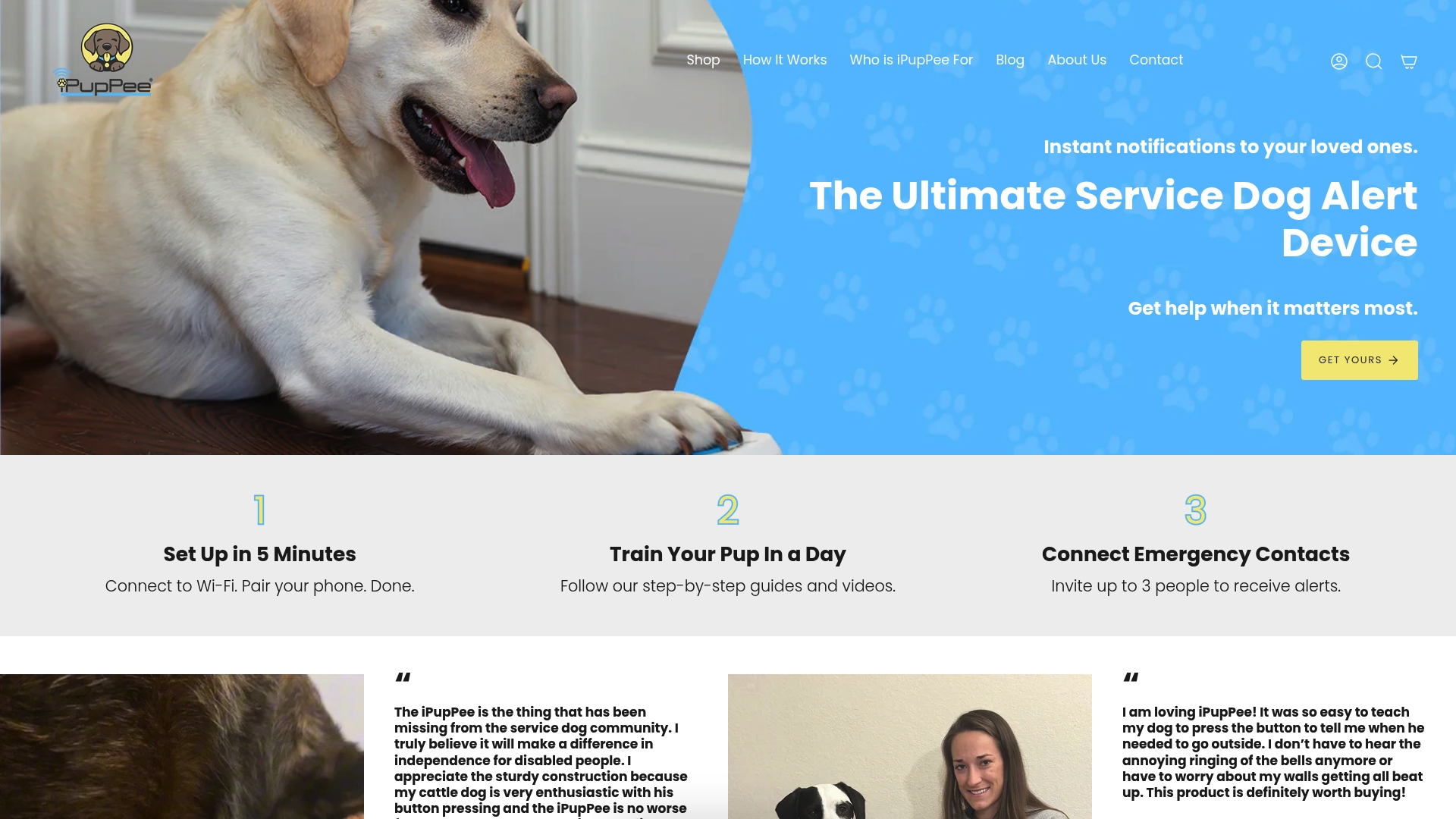
You can see the full setup on our how it works page, or start from ipuppee.com.
FAQ
What is an IoT device in simple words?
It is an everyday object with a sensor, a chip and a connection that sends information to an app or lets you control it from your phone. For pets, that means collars, feeders, cameras and alert buttons that report to you or to people you choose.
Do pet IoT devices need a subscription?
It depends on the device. VCA Animal Hospitals notes that some monitors carry subscription costs and GPS monitors usually involve monthly service fees. Our iPupPee is designed with no monthly subscription fees.
Can a smart collar diagnose my dog’s health problem?
No. Wearables show patterns such as activity and sleep, and the LA Times explainer says they identify trends rather than definitively diagnosing disease. Share what you see with your veterinarian, and see them promptly for persistent or serious changes.
Are pet cameras and trackers safe for my privacy?
They can be, with care. Use unique passwords, turn on multifactor authentication, limit app permissions, secure your home network and aim cameras only at your own space. Read each manufacturer’s data storage and sharing policy before you buy.
Which pet IoT device suits a service dog handler or senior?
Start with the function that covers your highest-risk moment. If that is needing help when you cannot reach a phone, an alert device the dog triggers, with live video and two-way audio to your contacts, fits best.
Sources
- The Internet of Things Empowering the Internet of Pets, Applied Sciences 2025
- Innovative Pet Tech That Makes Life Easier, Zoetis Petcare
- On the Right Track: Activity Monitors for Pets, Texas A&M Veterinary Medicine
- Pet Monitoring: Keeping Track of Your Pet’s Tracks and More, VCA Animal Hospitals
- Pet Health Monitoring Devices & GPS, Los Angeles Times
- Bluetooth LE and cellular IoT wearables for pets, Nordic Semiconductor
- Pros and cons of wearable technology for pets, Humane World for Animals
- I know where your pet is, Securelist
- Haustierkameras: Fürsorge versus Datenschutz, DSN Group
- Digital Technology Supporting the Remote Human-Dog Relationship, Journal of Veterinary Behavior