

Universal design for pet devices means building a product so that the widest range of people can use it without adaptation, and, for dogs, so that the animal can operate or wear it comfortably too. In practice that means simple controls, more than one way to get information, forgiving mistakes, low physical effort and a size that works for different bodies. This guide explains what the idea means, how its seven principles apply to dog devices, where it stops, and how to judge a device before you rely on it.
TL;DR
- Universal design is about products usable by as many people as possible, without special adaptation. It does not rule out assistive devices when someone needs one.
- The seven principles (equitable use, flexibility, simple use, perceptible information, tolerance for error, low effort, size and space) translate directly into questions you can ask about any pet device.
- Pet devices have two users: the handler and the dog. Good design works for both, from button color and shape to collar weight.
- Universal design reduces the need for individual accommodation but does not remove it. Some people will still need a tailored setup.
- Judge a device on everyday use: can you and your dog operate it on a bad day, and does it tell you clearly that something happened?
Table of Contents
- What universal design actually means
- The seven principles, applied to dog devices
- Designing for the dog as well as the handler
- Accessible features beyond the button
- Where universal design stops
- How to evaluate a pet device in daily use
- Our perspective
- Meet the iPupPee system
- FAQ
- Sources
What universal design actually means
The University of Washington’s DO-IT program describes universal design as creating products accessible to people with a wide range of abilities, disabilities and other characteristics. The goal is to reduce the need for assistive technology by making the mainstream product usable by more people in the first place.
The legal definition is similar. Article 2 of the UN Convention on the Rights of Persons with Disabilities describes universal design as products, environments, programmes and services usable by all people to the greatest extent possible, without the need for adaptation or specialized design. The same text states that universal design does not exclude assistive devices for particular groups of persons with disabilities where they are needed.
That second half matters for pets. A well-designed button, collar or camera is not meant to replace every specialized tool. It is meant to make sure that the person who picks it up off the shelf, whether a first-time puppy owner, a retiree with arthritis or a service dog handler who uses a wheelchair, can start using it without a workaround.

Why pet devices are a special case
Most universal design thinking assumes one user. A pet device has at least two: a human who sets it up, charges it, reads its alerts and cleans it, and an animal who touches it, wears it or reacts to it. A product can be perfectly accessible to the person and still be useless to the dog, or the other way around.
That is why researchers in animal-computer interaction work on the dog’s side of the interface as seriously as the human’s. A device only works when both ends of the interaction work.
The seven principles, applied to dog devices
DO-IT lists seven principles: Equitable Use, Flexibility in Use, Simple and Intuitive Use, Perceptible Information, Tolerance for Error, Low Physical Effort, and Size and Space for Approach and Use. A New Zealand Ombudsman guide to reasonable accommodation lists the same set, with slightly different wording, and notes that universal design often removes the need for individual adaptation because it promotes widespread access.
Here is what each principle looks like when the product is made for dogs and the people who live with them.
| Principle | Question to ask about a pet device |
|---|---|
| Equitable use | Can a person with limited vision, hearing, grip strength or mobility use it as easily as anyone else? Can dogs of different sizes use it? |
| Flexibility in use | Does it work for left- and right-handed people, for paw or nose, for different room layouts? |
| Simple and intuitive use | Can a new user, human or dog, understand it without a manual? |
| Perceptible information | Does it tell you what happened in more than one way (screen, sound, vibration)? |
| Tolerance for error | What happens if the dog presses it by accident, or you tap the wrong thing? |
| Low physical effort | Can you set it up, charge it and carry it with little strength or fatigue? Can the dog activate it gently? |
| Size and space | Is it reachable from a wheelchair, a bed, a low couch or the floor? |
Equitable use and flexibility
Equitable use means the same product serves people with different abilities without singling anyone out. For dog owners, that includes the person who cannot bend to the floor, the person who cannot hear a bark from another room and the person who lives alone and needs a way for the dog to reach someone else.
Flexibility has a dog-side meaning too. The Animal Computer Interaction Lab’s Dogosophy Button was designed to respond to gentle nudges for dogs who prefer their nose and to withstand energetic pushes for dogs who prefer their paws. One physical design, two natural ways of using it.
Simple and intuitive use
A dog cannot read instructions. The simplest dog-facing interface is a single, obvious target. That is one reason press-to-alert designs make sense: the dog’s part of the task is one action, and everything else happens behind the scenes. For the human, the equivalent is a short setup, clear labels and a small number of steps.
Perceptible information
This principle asks that information reach the user through more than one channel. A 2026 arXiv study on communication signals from companion robots points out that redundant signals across visual, auditory and tactile channels are a basic accessibility principle. The same study found that people identified meaning most accurately, with a median of 70%, when visual icons were available without sounds, and much less accurately, a median of 41%, when only sounds were available. The lesson for pet devices: do not rely on a single chime. Pair a sound with a visible alert, and where possible a vibration.
Tolerance for error
Dogs will press things at the wrong moment. A good design assumes that and makes the consequence small: an easy way to see what was triggered, to speak back and to close the loop. A device that sends an alert should also let the receiving person check what is going on, so a false alarm costs seconds rather than panic.
Low physical effort
Effort applies to both users. On the human side, think about charging, mounting and cleaning. On the dog side, think about weight and pressure. A University of Twente thesis on smart dog collars reports that devices weighing 4% to 5% of a dog’s body weight are still considered too heavy, and that researchers aim for far less than 2%. The same thesis notes that a collar should leave space around the throat so the dog can lie down without pressure.
Size and space
Size and space is about reach. Can a handler in a wheelchair reach the mounting position? Can a small dog and a large dog both get to the control? The OpenLearn material from the Open University says dog-friendly controls should be consistent throughout the house, large, operable by a gentle nose push and adjustable to a dog’s height.
Designing for the dog as well as the handler
The most overlooked part of universal design for pet devices is that the second user has a different body and a different sensory world.
Clara Mancini of the Open University explains that dogs see colors mainly in the yellow/brown and blue ranges, so red controls are not dog-friendly. She also notes that dogs manipulate objects with their mouths rather than paws, which is why door handles are such a challenge for them.
The Dogosophy Button project turned these findings into hardware. Its design uses a blue push-pad that is highly visible to dogs, a contrasting white casing, a lightly textured surface and a convex profile that allows activation from different angles. It is wireless with a 40-metre range. None of those choices is decoration. Each answers a question about how a dog sees, reaches or presses.
A useful checklist for the dog side:
- Visibility: Is the target in a color and contrast the dog can see?
- Reach: Can it be placed at the dog’s height, on the floor or low on a wall?
- Activation: Does it work for a nose nudge and a paw press?
- Comfort: If it is worn, is it light and does it leave room to lie down?
- Consistency: Is it in the same place and works the same way in every room where the dog needs it?
Welfare is part of this too. The Welfare Through Competence framework, proposed by Webber, Cobb and Coe, gives designers a structured way to define animal-centered goals and refine them in a design project, so that technology supports the animal’s positive welfare rather than only the owner’s convenience.
Accessible features beyond the button
Universal design is not limited to alert devices. Research on assistance dogs shows how specific the needs become once you look closely.
The ACM paper “Tricks and Treats” studied treat dispensers for mobility assistance dogs and found several details that a generic product would miss:
- Participants wanted the treat to land in a tray or receptacle, because assistance dogs are trained not to eat from the floor.
- They wanted a capacity of at least five treats, some up to ten, so a training session could run for several hours without a carer present.
- The prototype could be mounted on or detached from a wheelchair, powered over USB and triggered by an app or by a 3.5mm jack compatible with the user’s own switch.
That last point is a good example of the principle in action: a device that connects to the assistive equipment a person already uses is more flexible than one that assumes a touchscreen.
On the software side, a 2026 paper on a pet care app called Little Paw describes following WCAG 2.1 AA accessibility standards, using concise three-step user flows and accessibility-first components. For any smart pet device with a companion app, the app is part of the product. If you cannot read it, tap it or understand it quickly, the hardware does not matter.
Where universal design stops
Universal design lowers the need for individual accommodation. It does not eliminate it. The UN Women brief on reasonable accommodation says that universal design does not exclude assistive devices where needed, and that greater accessibility reduces the need for accommodation. Accommodations are usually handled case by case and can be temporary or become systematic changes that help more people.
There are legal limits too. In the United States, an ADA Great Lakes brief on Title III notes that covered entities are not required to provide personal devices such as wheelchairs or individually prescribed items like hearing aids. That is a point about businesses and public accommodations, not about what a good pet product should do, but it shows why personal tools and universal design sit side by side.
For a dog owner, the practical reading is simple. Choose products built to work for as many people as possible, then add a personal setup where your situation calls for it: a different mounting height, an extra emergency contact, a switch adapter, a training plan matched to your dog.
How to evaluate a pet device in daily use
A spec sheet will not tell you whether a device suits your home. Use these questions, ideally while reading the product page and the instructions before you buy.
- Can you set it up alone? Count the steps. Fewer is better, and instructions should be available in more than one form, such as text and video.
- Does it work for your dog’s size, age and habits? A nose-nudging senior dog and a paw-pressing young dog have different needs.
- Does it tell you what happened in more than one way? Look for a visual cue alongside sound, and for a way to see or hear the situation, not just a ping.
- Is it light and comfortable if worn? The Twente thesis found in interviews that dogs showed no noticeable behavioral changes with a smart collar compared with a regular one, and that two of three participants valued reflective elements for night walks. Comfort and visibility are worth looking for.
- What happens when something goes wrong? Check how alerts reach other people, whether more than one contact can be notified, and how you confirm a false alarm.
- What does it cost to keep running? Look at subscriptions, accessories and training materials, not only the sticker price.
On our blog we go deeper on related topics, including why barrier-free pet devices matter and how pet-user interfaces are designed for dogs and owners.
Our perspective
We built our work around one idea: the dog should be able to ask for help in the simplest possible way, and the person on the other end should know right away.
Universal design is the right lens for that. It asks whether a product works for the person who is tired, in pain, living alone or new to dogs, not just for the ideal user. When a dog presses one button and trusted people get a notification, with live video and two-way audio to check in, the dog’s task is simple and the human’s response is flexible. That is what we aim for with iPupPee.
We also believe design only counts if people can learn it. That is why we pair the device with training guides and an on-demand course on dog psychology and training, so the dog understands what the button means and the handler understands how to respond. Our device works over Wi-Fi, reaches multiple contacts and does not require a monthly subscription fee, because independence should not come with a recurring bill.
Universal design never excludes personal tools, and we agree. Every handler’s home is different. A good device gives you a strong default and room to tailor it, and that is the standard we hold ourselves to.
Andrew
Meet the iPupPee system
If you want to see how these principles come together in one product, the iPupPee is a Wi-Fi enabled alert device that lets a dog send a notification to you or to emergency contacts with a press. It includes live video and two-way audio, is designed for ease of use by dogs of all sizes and has no monthly subscription fees. It is $129.99 as a one-time purchase.
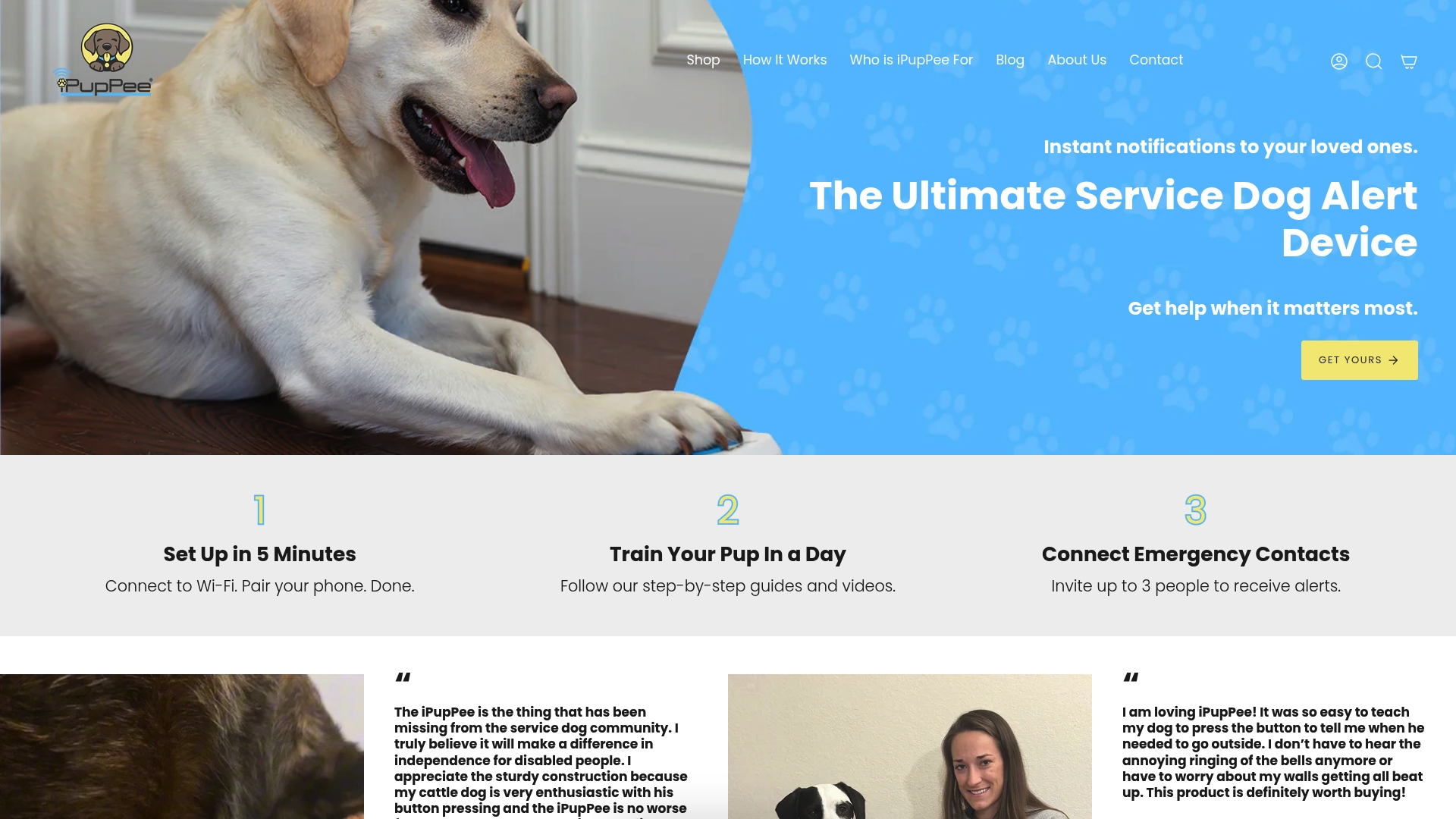
The companion Psychology & Training Course is $119 as a one-time purchase, and it covers the dog psychology and training that make a button meaningful to your dog. You can see the setup steps on the How It Works page or visit the iPupPee store to choose the device and course.
For handlers who want more reading first, our guides on dog safety for disabled owners and dog disability aids that support independence are good next steps.
FAQ
Is universal design the same as accessible design?
Not quite. Accessible design often means adding features for people with specific disabilities. Universal design aims to make the mainstream product usable by as many people as possible from the start. Both can coexist, and universal design does not exclude assistive devices where they are needed.
Do dogs need universal design too?
Yes, in a practical sense. Dogs differ in size, age, strength and whether they use nose or paw. Research on dog interfaces recommends large, easily seen controls at an adjustable height that respond to a gentle push, and it points out that dogs see mainly blues and yellows, so red is a poor choice.
What is the most important principle for a pet alert device?
Simple and intuitive use usually comes first, because the dog’s side has to be one easy action. Perceptible information and tolerance for error follow closely: the person should be told clearly what happened and be able to check quickly if it was a false alarm.
Can a universally designed device replace an assistive device?
No. Universal design reduces the need for individual adaptation, but it does not exclude personal assistive tools. Many handlers use a well-designed standard product together with their own switch, mount or routine.
How heavy should a dog wearable be?
Research cited in a University of Twente thesis says devices at 4% to 5% of a dog’s body weight are still too heavy, and that researchers aim well below 2%. Ask your veterinarian about any device your dog will wear for long periods.
Sources
- What is universal design? (DO-IT, University of Washington)
- Guidance Note on Reasonable Accommodation (UNDP)
- Reasonable accommodation of persons with disabilities in New Zealand (Ombudsman)
- Designing interactive systems for dogs (OpenLearn)
- Dogosophy Button Project (Animal Computer Interaction Lab)
- Welfare Through Competence framework (Frontiers in Veterinary Science)
- Tricks and Treats: Designing Technology to Support Mobility Assistance Dogs (ACM)
- University of Twente thesis on smart dog collars
- What Does a Meow Mean? (arXiv)
- LITTLE PAW pet care app design (IJARCCE)
- Reasonable Accommodation brief (UN Women)
- Brief 35: Hot Topics in Title III Litigation (ADA Great Lakes)