

Everyday routines can become easier when your dog communicates needs clearly. For service dog handlers and elderly pet owners with disabilities, reliable communication strengthens safety and supports independent living. The process starts by setting up specialized devices that help your dog express intentions with purpose, as new research from UC San Diego shows dogs learn to use buttons to communicate contextually. Discover practical strategies for device setup, training, and ongoing assessment that build a powerful and mutual language.
Table of Contents
- Step 1: Set Up Your Dog Communication Device
- Step 2: Introduce The Communication Button To Your Dog
- Step 3: Shape Reliable Button Press Behavior
- Step 4: Link Button Use To Real-Life Needs
- Step 5: Verify Dog Communication Success
Quick Summary
| Key Point | Explanation |
|---|---|
| 1. Proper Device Setup is Crucial | Ensure correct placement and calibration of the dog communication device for effective use. |
| 2. Introduce the Button Gradually | Use positive reinforcement in a distraction-free environment to help your dog learn the button’s purpose. |
| 3. Consistent Button Behavior is Key | Shape intentional communication by rewarding deliberate button presses instead of random attempts. |
| 4. Connect Buttons to Real Needs | Use buttons during daily activities to demonstrate their purpose and establish effective communication. |
| 5. Monitor Communication Success | Track your dog’s pressing patterns to evaluate their understanding and improve communication effectiveness. |
Step 1: Set Up Your Dog Communication Device
Setting up your dog communication device is the critical first step in establishing a reliable communication system that enhances your dog’s independence and safety. Wearable communication technologies have revolutionized how dogs and humans interact, providing innovative ways to bridge communication gaps.
To begin the setup process, carefully unpack your communication device and review all included components. Most devices will come with:
- A main alert button or sensor
- Attachment harness or clip
- Battery or charging unit
- Initial training instructions
The key to successful device integration is making the technology feel natural to your dog. Position the device where it will be most comfortable and accessible - typically on a harness near your dog’s shoulder or chest area. This placement ensures your dog can easily activate the communication mechanism without feeling restricted.
Proper device placement is essential for creating a seamless communication experience between you and your dog.
Calibrate the device according to the manufacturer’s specific instructions. This might involve syncing the button with a receiver, adjusting sensitivity levels, or programming specific alert signals. Some advanced devices allow you to customize vibration patterns or sound alerts that your dog can trigger.
Pro tip: Practice device familiarization with positive reinforcement, using treats and praise to help your dog feel comfortable with the new communication tool.
Step 2: Introduce the Communication Button to Your Dog
Introducing a communication button to your dog is a pivotal moment in establishing a new language of interaction. Dogs can learn to understand specific words through careful, patient training that transforms how you communicate.
Begin by selecting a quiet, comfortable space with minimal distractions. Have several treats ready and choose a button representing a simple, frequently used concept like “outside” or “play”. Most dogs will require gradual, positive reinforcement to understand the button’s purpose:
- Start with one button in a consistent location
- Use clear, enthusiastic verbal cues when pressing the button
- Reward your dog immediately after button interaction
- Keep initial training sessions short (5-10 minutes)
Consistent repetition is key. Press the button yourself while saying the corresponding word out loud, then immediately perform the action. For instance, press the “outside” button, then immediately walk to the door and go outside.
Patience and positive reinforcement are essential in helping your dog understand the communication button’s purpose.
Watch your dog’s body language closely during these initial interactions. Some dogs learn quickly, while others might take several weeks to comprehend the button’s function. Maintain a positive, encouraging environment throughout the training process.
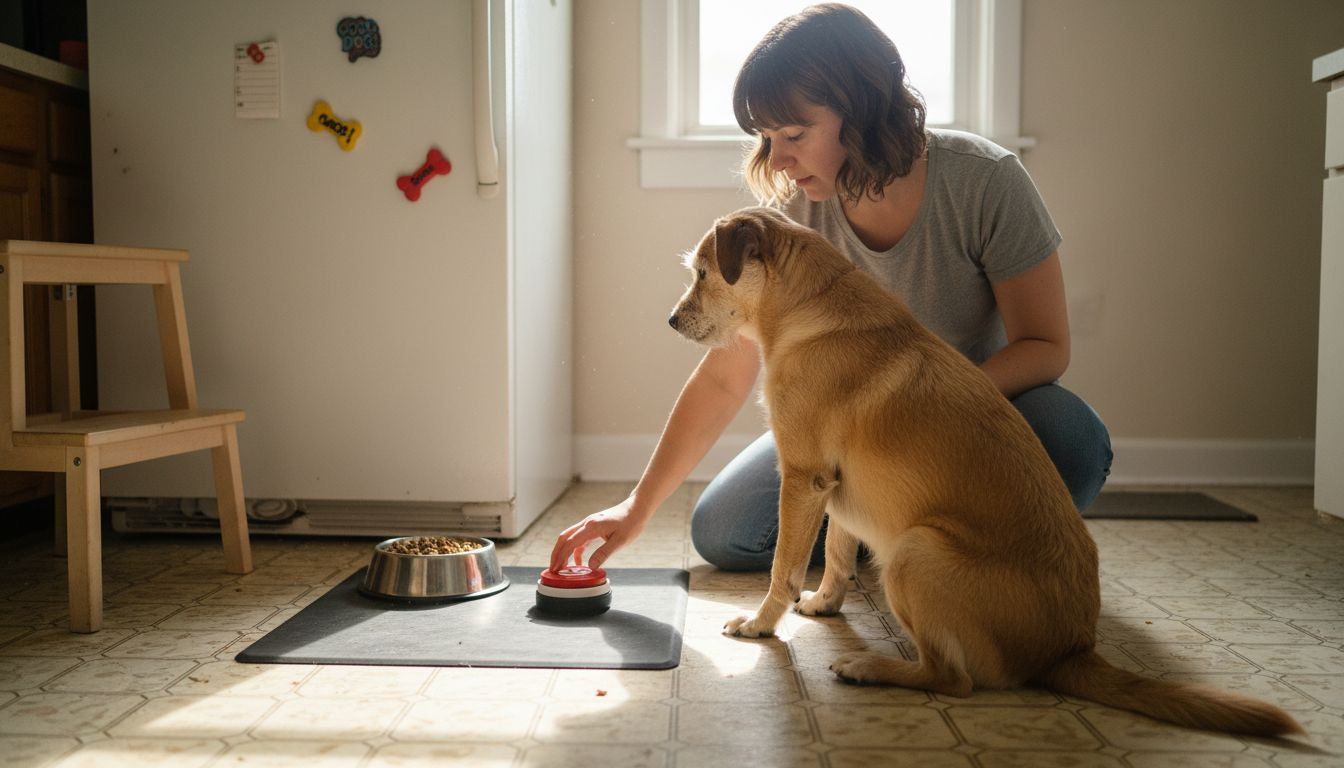
Pro tip: Record your dog’s button interactions to track progress and identify patterns in their communication attempts.
Step 3: Shape Reliable Button Press Behavior
Shaping reliable button press behavior requires patience, consistency, and strategic training techniques. Dogs develop purposeful communication patterns through careful reinforcement and structured learning approaches.
Begin by establishing clear expectations and reward criteria for button interactions. Your goal is to transform random button presses into intentional communication:
- Ignore accidental or random button presses
- Immediately reward deliberate, contextually appropriate button usage
- Create a consistent response protocol for each button press
- Gradually increase complexity of button communication
Track your dog’s button interactions carefully. Some dogs might initially exhibit “button spamming” behavior, pressing repeatedly without clear intent. This is normal during early learning stages and requires gentle redirection.
Consistent reinforcement transforms button pressing from a novelty into a meaningful communication strategy.
Practice button communication during predictable daily routines like mealtime, walk time, or play sessions. Maintain a neutral, patient demeanor during training, allowing your dog to explore and understand the communication system at their own pace.
Pro tip: Create a simple tracking log to document button press frequency, context, and your dog’s progression in communication skills.
Step 4: Link Button Use to Real-Life Needs
Linking button communication to your dog’s real-life needs transforms the device from a novelty into a powerful communication tool. Dogs intentionally combine button presses to express complex thoughts about their immediate requirements.
To establish meaningful button communication, focus on creating direct connections between button presses and actual experiences:
- Use buttons during genuine daily activities
- Match button presses with immediate actions
- Demonstrate consistent cause-and-effect relationships
- Encourage multi-button communication sequences
Observe your dog’s natural communication patterns carefully. Some dogs might press buttons related to specific needs like “food,” “water,” or “outside” more frequently than others. This indicates their primary communication priorities.
Effective button communication emerges when technology meets the dog’s natural communication instincts.
Practice button sequences during routine activities to help your dog understand the deeper purpose of communication. For example, press “walk” and “outside” buttons before actually taking your dog for a walk, reinforcing the connection between button presses and real-world experiences.
Here’s a summary of common communication button functions and their impact on dog behavior:
| Button Concept | Typical Usage | Impact on Dog | Real-Life Example |
|---|---|---|---|
| “Outside” | Request walks or bathroom breaks | Promotes autonomy and safety | Dog signals need to go outdoors |
| “Food” | Ask for meals or snacks | Reduces anxiety around feeding times | Dog expresses hunger directly |
| “Play” | Initiate interactive sessions | Increases daily enrichment | Dog starts a game with owner |
| “Water” | Indicate thirst or need for hydration | Encourages healthy hydration | Dog communicates need for water |
| “Help” | Alert owner for assistance | Supports problem-solving behavior | Dog asks for help opening door |
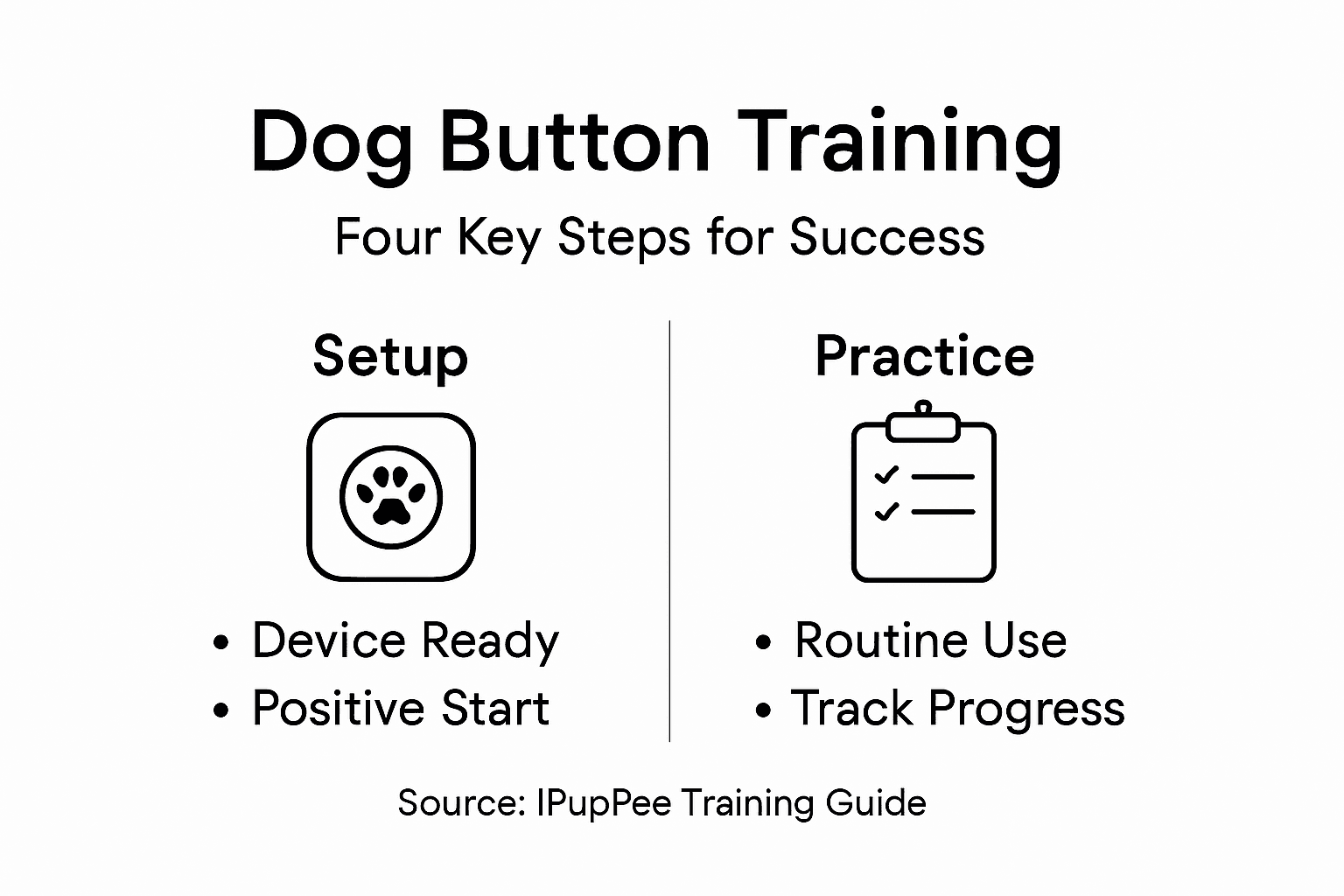
Pro tip: Create a visual chart tracking your dog’s most frequently used buttons to understand their communication preferences and needs.
Step 5: Verify Dog Communication Success
Verifying your dog’s communication success requires careful observation and systematic assessment. Researchers use controlled experiments to confirm dogs’ genuine understanding of communication technologies.
To accurately evaluate your dog’s button communication skills, track these key indicators:
- Consistent and intentional button presses
- Context-appropriate button sequences
- Reduced reliance on verbal or physical cues
- Predictable communication patterns
- Emotional responses matching button communication
Monitor non-verbal communication signals closely during button interactions. Pay attention to your dog’s body language, tail movement, and eye contact to confirm they are truly communicating rather than randomly pressing buttons.
Successful communication goes beyond button presses - it requires understanding the nuanced language between human and dog.
Record video documentation of your dog’s button interactions. This allows you to review communication patterns, identify progress, and track the evolution of their communication skills over time.
Compare traditional dog communication methods with wearable device button systems:
| Method | Communication Clarity | Training Required | Example |
|---|---|---|---|
| Barking/Whining | Often vague or confusing | Minimal | Dog barks to signal needs |
| Physical cues | Depends on owner interpretation | None | Dog stands at door or stares |
| Button device | Highly specific and intentional | Moderate to high | Dog presses “food” button to ask for meal |
Pro tip: Create a spreadsheet logging button press frequency, context, and your dog’s corresponding behaviors to systematically track communication development.
Empower Your Dog’s Independence with Smart Communication Technology
The journey to help your dog communicate needs like “outside” or “help” starts with the right tools. This article highlights the challenges of teaching dogs purposeful button pressing and shaping meaningful communication patterns. Whether you are concerned about safety, enhancing your dog’s autonomy, or reducing anxiety around daily needs, integrating wearable communication devices can transform the way you and your dog connect.
At iPupPee, we understand these challenges deeply. Our innovative alert device is designed specifically to facilitate clear, intentional communication between dogs and their owners. By combining easy setup, user-friendly training instructions, and real-life use cases, the iPupPee communication button empowers dogs to express their needs confidently and consistently. Experience firsthand how this device supports service dogs, new puppy owners, and seniors needing reliable assistance.
Ready to turn your dog’s button presses into meaningful conversations today
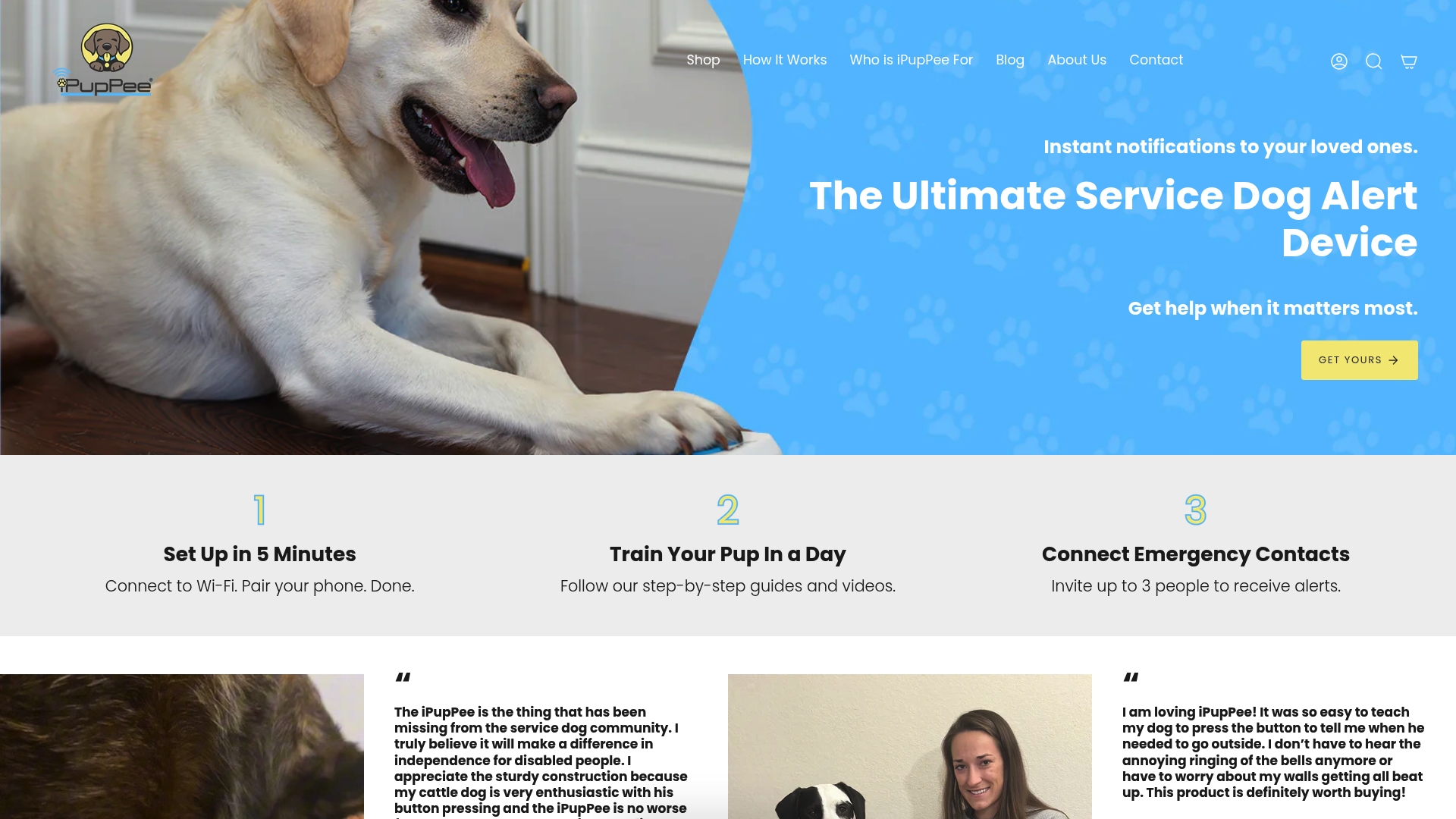
Discover the difference at iPupPee and start building a safer, more independent life for your dog now. Visit our site to learn about product features, training tips, and customer testimonials that prove how enhanced communication transforms relationships.
Frequently Asked Questions
How can I start dog communication training for independence and safety?
Begin by setting up a dog communication device according to the manufacturer’s instructions. Ensure the device is comfortable for your dog by placing it on a harness near their shoulder or chest to facilitate easy access and usage.
What is the best way to introduce a communication button to my dog?
Introduce the button in a quiet space and select a simple word like “outside”. Use clear verbal cues and reward your dog immediately after they interact with the button to reinforce their learning, keeping sessions short and engaging.
How can I shape reliable button press behavior in my dog?
Establish clear expectations by rewarding only intentional button presses. Consistently ignore random presses and reinforce contextually appropriate button usage, gradually introducing more complex communication sequences as your dog’s skills improve.
How do I link button use to my dog’s real-life needs?
Link button communication by using the buttons during genuine daily activities such as mealtime or walks. Use clear cause-and-effect actions, like immediately taking your dog outside after they press the “outside” button, to establish meaningful connections.
What indicators should I monitor to verify my dog’s communication success?
Track consistent and intentional button presses, context-appropriate sequences, and reduced reliance on verbal cues. Pay attention to your dog’s body language and emotional responses, confirming they are communicating purposefully rather than randomly pressing buttons.
How long does it typically take for a dog to learn to use communication buttons?
The time it takes can vary widely depending on the dog, but many dogs show progress within 30–60 days of consistent training. Be patient and maintain a positive environment to encourage learning, allowing your dog to grasp the concept at their own pace.
Recommended
- Independent Dog Behavior – Impact on Communication and Safety – iPupPee
- Dog Training for Independence: Teach Your Dog Key Skills – iPupPee
- 7 Essential Dog Independence Tips for Service Dog Owners – iPupPee
- Dog Training Safety Tips: Ensuring Independence and Security – iPupPee
- Complete Guide to Garden Safety for Pets - Lushy Gardens